Referees
Scoreboard, Charting and Full charting
The three ways to record a match, what each one asks of you, and why to pick the one you will actually do.
Which one am I using?
Your organizer will tell you. On the match screen it is the Record row. You can see it before you start.
| Mode | What you record |
|---|---|
| Scoreboard | Which side won the rally, and nothing else. |
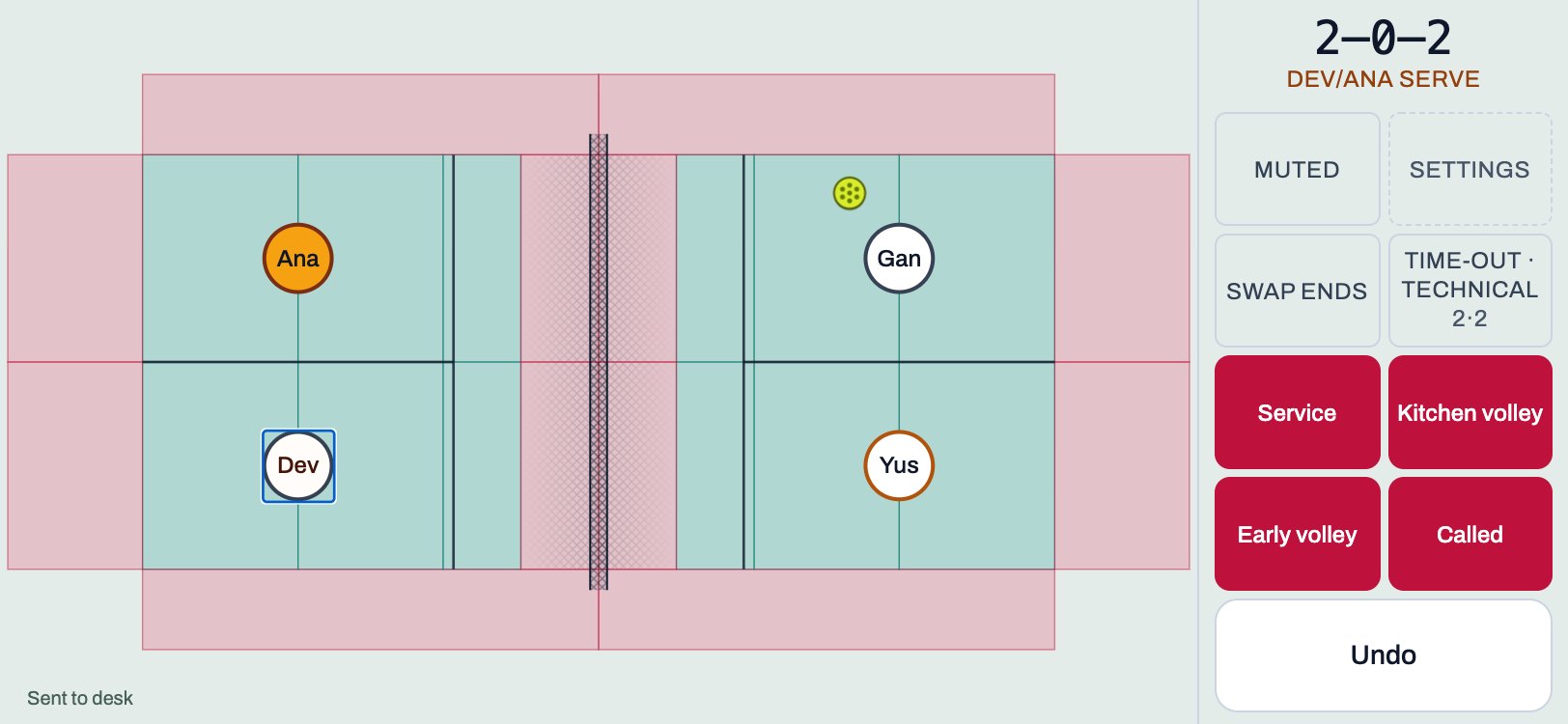
| Charting | Where each rally ended. Who hit it, and how, can be added afterwards in Review. |
| Full charting | Where it ended, and then it asks who hit it and the shot, after each point. |
A smaller record is not a worse one. Every point is a complete, valid record on its own.
Pick what you will actually do
rallyxrally keeps how a match was recorded with the match. The place a tap landed only means something if somebody was watching when it was tapped, so a match typed in after play is marked as that. Nothing is made to look more than it was.
So choose the mode you can do for the whole match, not the richest one. Full charting asks for a second touch after every point. At the first two events this was built for, almost nobody did that, however keen they were. That is a fact about the screen and not about the referees.
If you find you are falling behind in Full charting, switch to Charting or Scoreboard. You can change the mode during a match from Settings.
A few specifics
- In Scoreboard, a Service fault is recorded straight away, with nothing to tap.
- In doubles, naming who hit the ball is optional in every mode.
- Review is where details can be added after a match. It is not required.
More for referees
 Referees
Referee card
One page to print, or keep on your phone. The four things, the faults, and what to do when it goes wrong.
1 min read · PDF
 Referees
Scoring a match
Start a match, tap the court, call a fault, undo a mistake, and send the result. About three minutes.
5 min read · PDF
Referees
If something goes wrong
A mistap, a dead phone, no signal, a code that is not accepted, or you have fallen behind. What to do, in order.
2 min read · PDF