Referees
Referee card
One page to print, or keep on your phone. The four things, the faults, and what to do when it goes wrong.
Scoring
- Tap where the ball died. That is the whole record: who won the rally, and how.
- A fault? Press its button first, then tap.
- Undo is instant. Mistap freely.
- At the end, Sheet · Send. At an event, wait for Sent to desk in the corner.
Faults
| Button | Then |
|---|---|
| Service | Tap where it failed, or choose Illegal motion, Wrong court or Wrong server. |
| Kitchen volley | Tap the player. |
| Early volley | Tap the player. |
| Called | Pick why, then tap the player. Hinder, Correction and Referee replay the rally. |
Before you start
- Team A is the left end, or the top if the phone is upright. Check the names against the court you can see.
- Record: use the mode your organizer chose. Scoreboard is which side won; Charting adds where; Full charting also asks who and how.
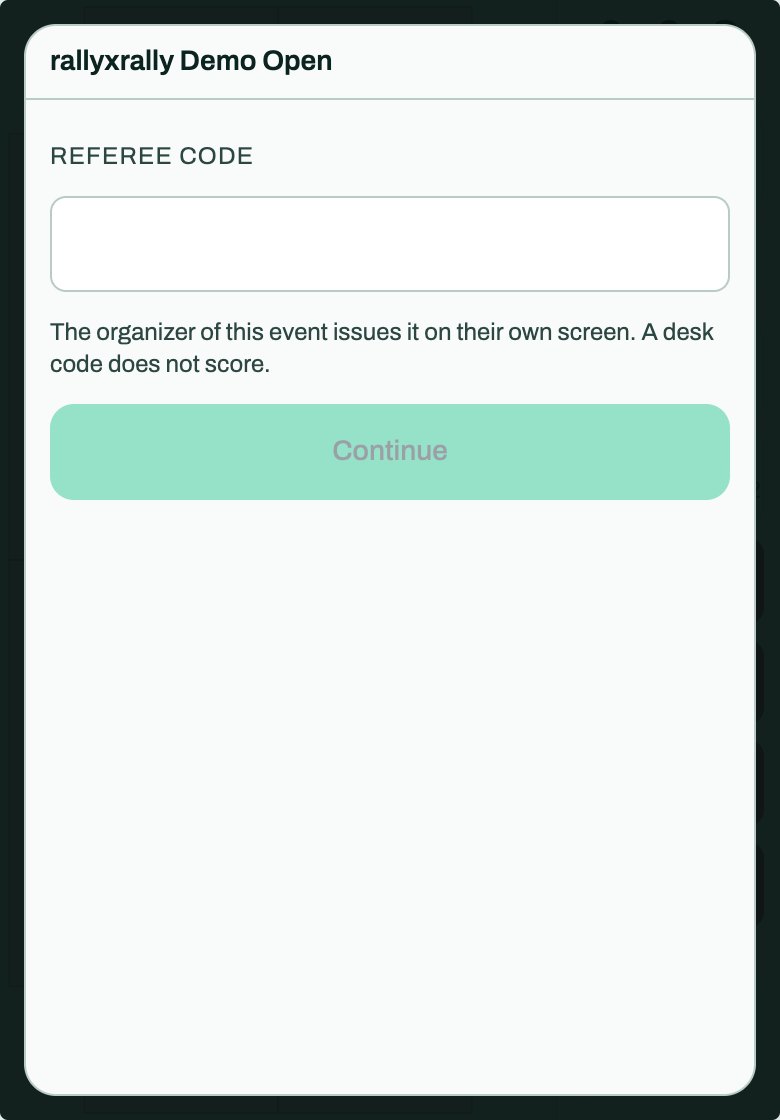
- At an event, enter your referee code. A desk code does not score.
If something goes wrong
- Wrong tap: Undo.
- Behind: do not undo to zero. Keep the score on paper and tell the desk.
- Phone locked or app closed: open it again. The match comes back.
- No signal: keep scoring. Keep the app open until it says Sent to desk.
More: Scoring a match and If something goes wrong.
More for referees
 Referees
Scoring a match
Start a match, tap the court, call a fault, undo a mistake, and send the result. About three minutes.
5 min read · PDF
Referees
Scoreboard, Charting and Full charting
The three ways to record a match, what each one asks of you, and why to pick the one you will actually do.
1 min read · PDF
Referees
If something goes wrong
A mistap, a dead phone, no signal, a code that is not accepted, or you have fallen behind. What to do, in order.
2 min read · PDF