Referees
Scoring a match
Start a match, tap the court, call a fault, undo a mistake, and send the result. About three minutes.
The one-minute version
- Tap where the ball died. That is the whole record: who won the rally, and how.
- A fault? Press its button first, then tap. Service, then where it failed. Kitchen volley or Early volley, then the player. Called, then pick why.
- Undo is instant. Mistap freely.
- At the end, Sheet · Send. At an event the match goes to the desk by itself; wait for Sent to desk in the corner.
Everything below is the same thing with the screens.
Before the first serve
At an event, open the link your organizer sent. It ends in /#/ref.
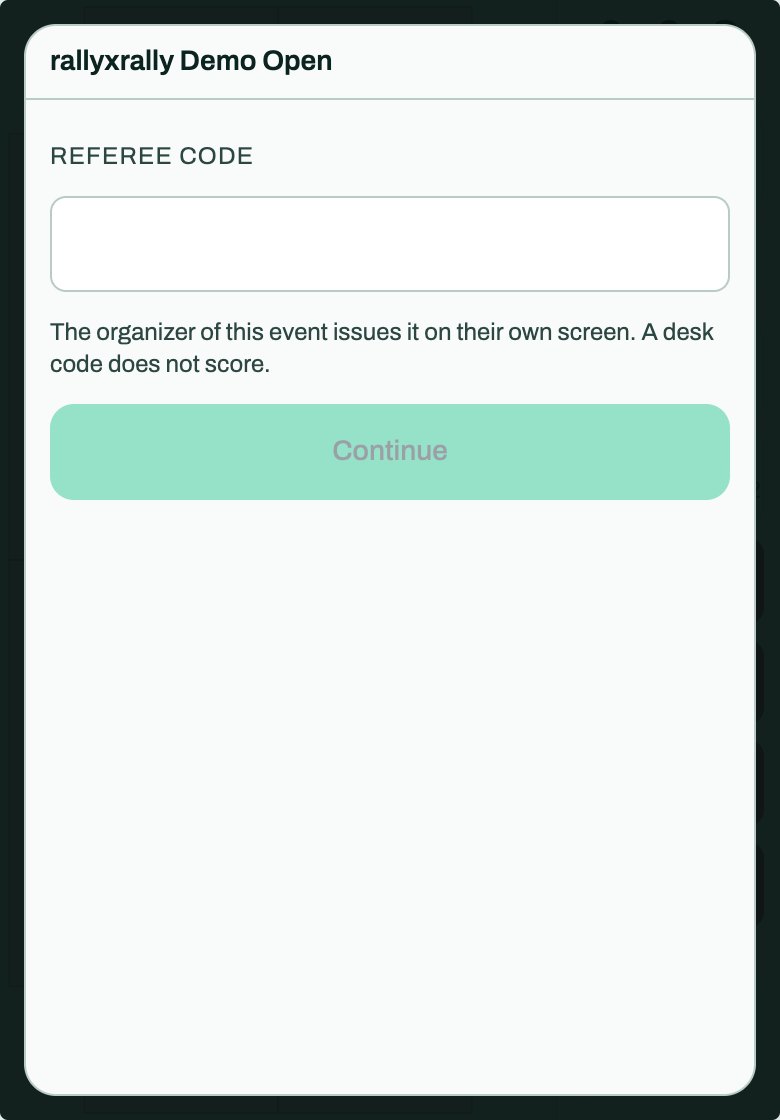
Type your referee code. The organizer issues it on their own screen. A desk code does not score.
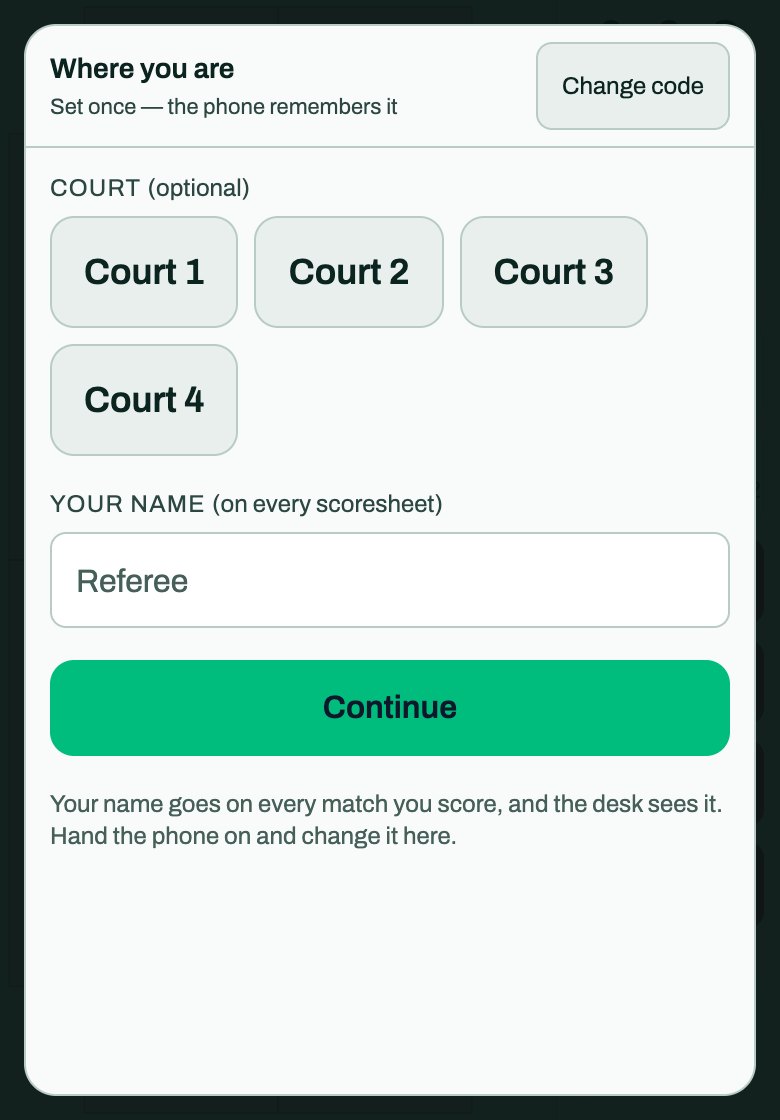
Then Where you are: choose your court, and type your name. It goes on every match you score, and the desk sees it. If you hand the phone to someone else, change it here.
You are shown your match, or a list to pick from. Check the names:
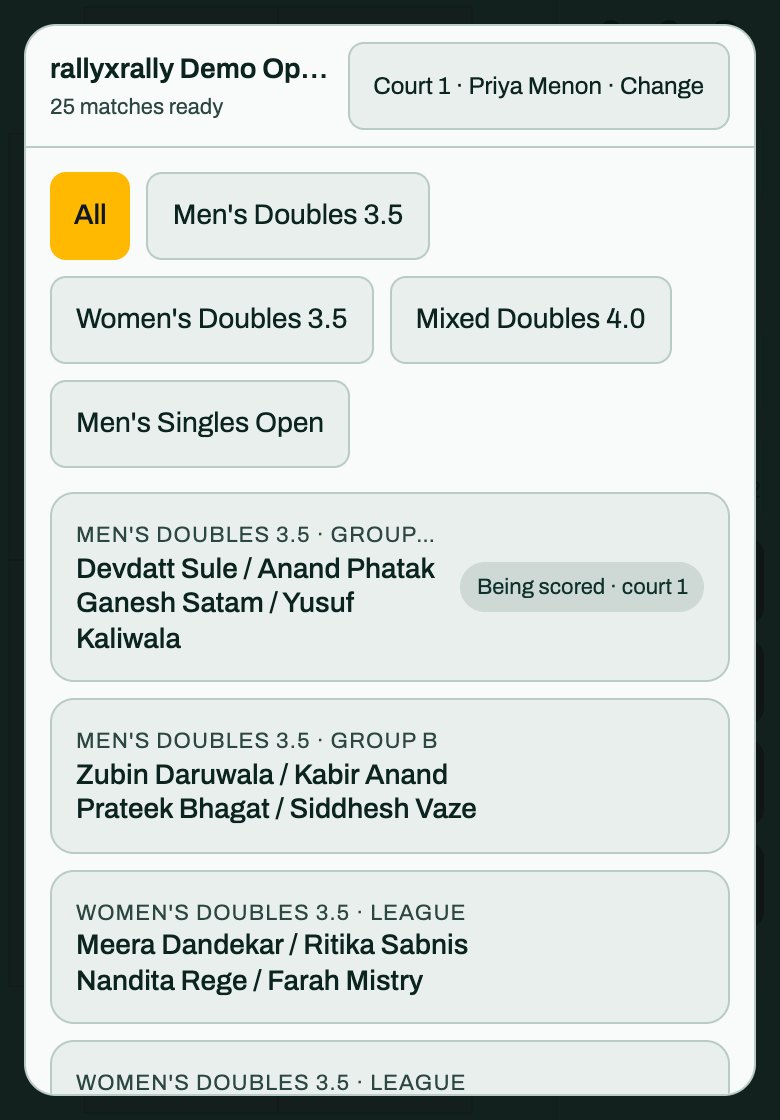
If a name is wrong, tell the desk. Press Start the match.
Away from an event, or when you score for yourself, the setup screen is where you type the players. At an event the names are already in.
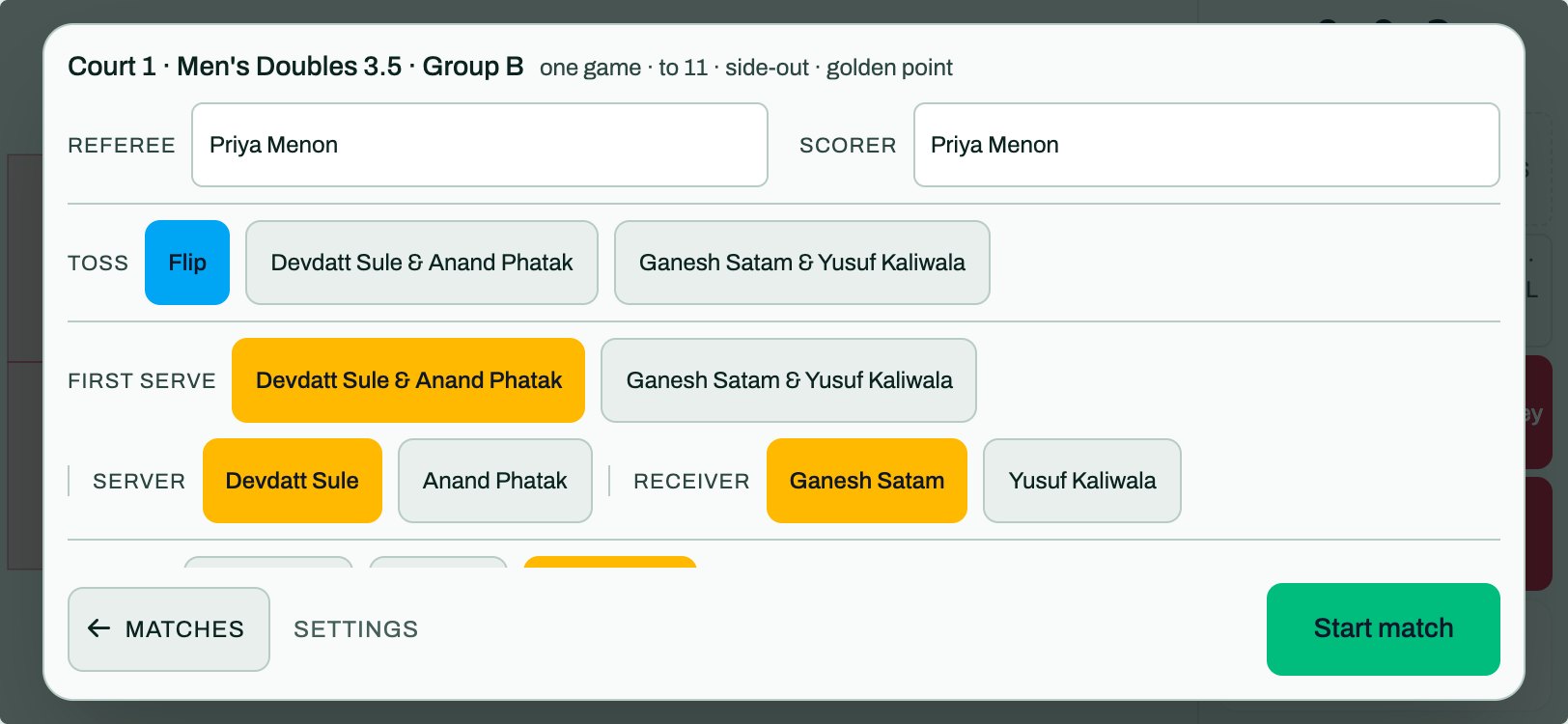
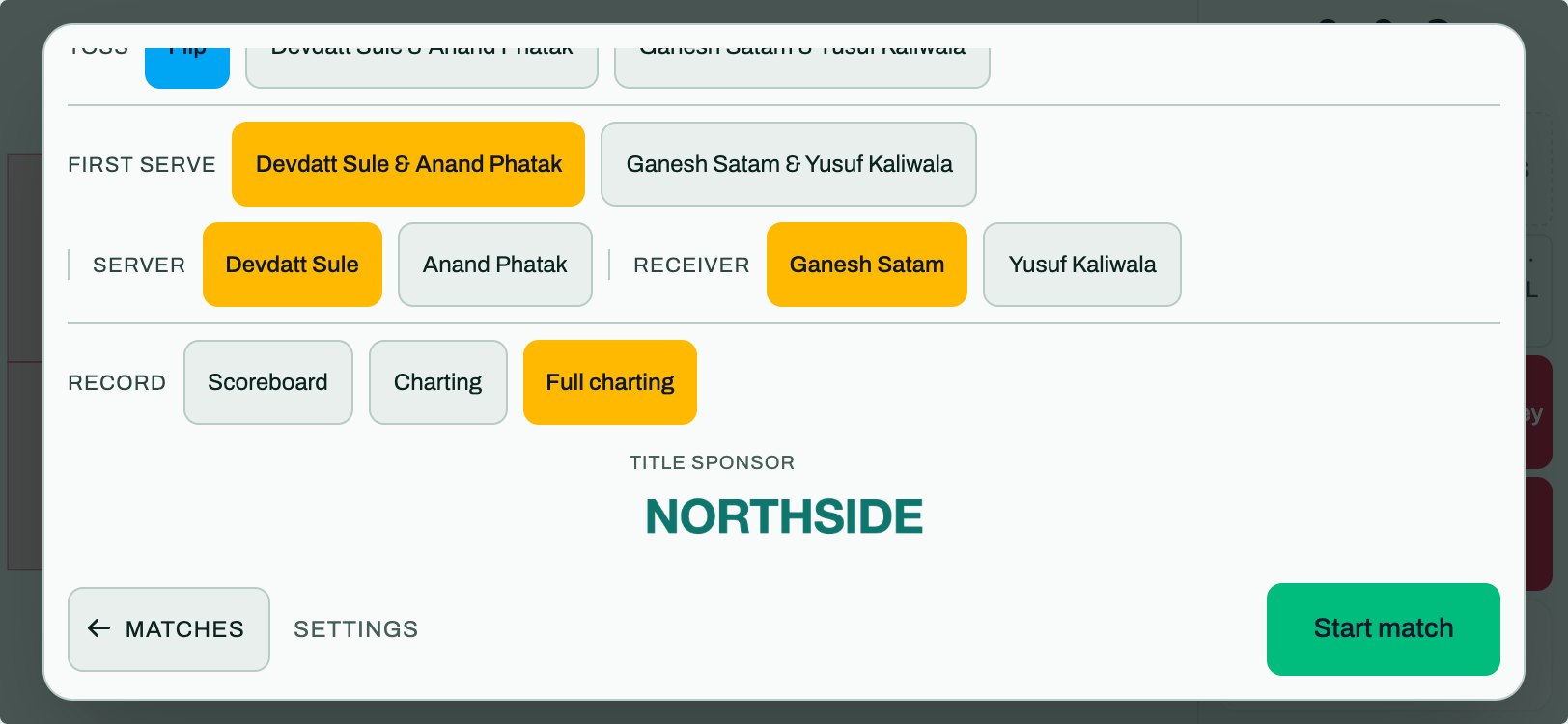
Check these, top to bottom:
- Referee and scorer. Your name, as you gave it. It goes on the match.
- Toss, then First serve: which team serves first, and in doubles who serves and who receives.
- Which side is which. Team A is at the left end, or the top if the phone is upright. Look at the names against the court you can see. A reversed side is the most common mistake, and nobody notices until later.
- Record, below those. The organizer will tell you which one: Scoreboard, Charting or Full charting. What each one asks of you.
On a phone on its side the sheet scrolls. Matches (back to the list), Settings and Start match stay at the foot, so you never have to hunt for the button. On the way in it reads Name the players until the names are in.
Scoring a rally
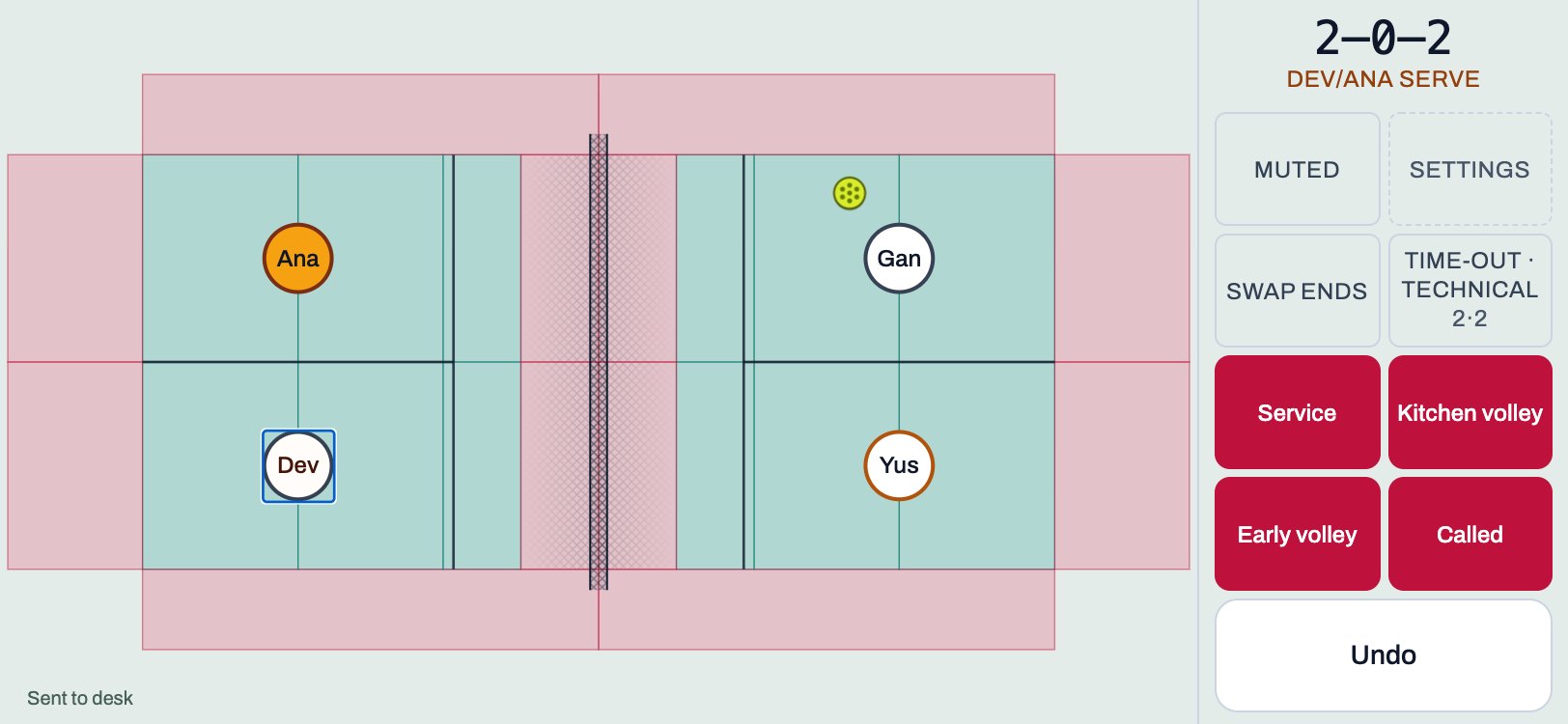
Tap the spot where the ball died. The app works out who won from where you tapped.
The score is at the top right: the serving side's points, then the receiving side's, then the server number in doubles. 2–0–2 means the serving side has 2, the other has 0, and it is the second server. Tap the score to hear it spoken. Calling reads it before every serve; Muted does not.
In doubles, after a point the two players who could have hit it pulse for a moment. Tap one if you saw who it was. You can ignore it. The point is already recorded.
Faults
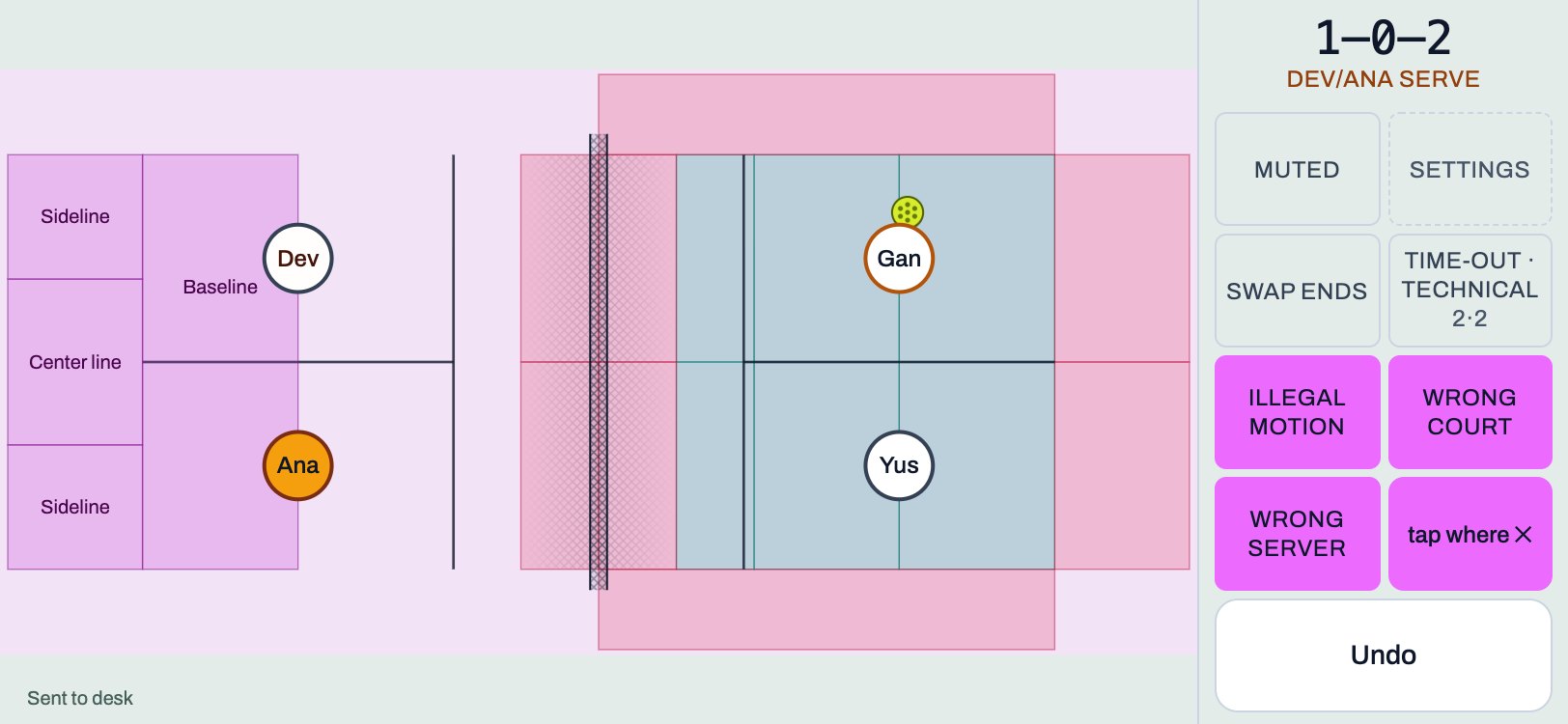
A fault is armed by its button, and then you tap. The court changes colour while it waits. Tap the ✕ on the button to cancel.
| Button | Then |
|---|---|
| Service | Tap where the serve failed. Or choose Illegal motion, Wrong court or Wrong server. |
| Kitchen volley | Tap the player who did it. |
| Early volley | Tap the player who did it. |
| Called | Pick why, then tap the player it was against. |
Called also holds the replays: Hinder, Correction and Referee. A replay plays the rally again and moves nothing.
In Scoreboard, a Service fault is recorded straight away. Who served is already known, so there is nothing to tap.
Time-outs and ends
Time-out · Technical records time-outs and technical warnings and fouls. The two numbers beside it are the time-outs each side has left. Swap ends turns the court around when the teams change ends.
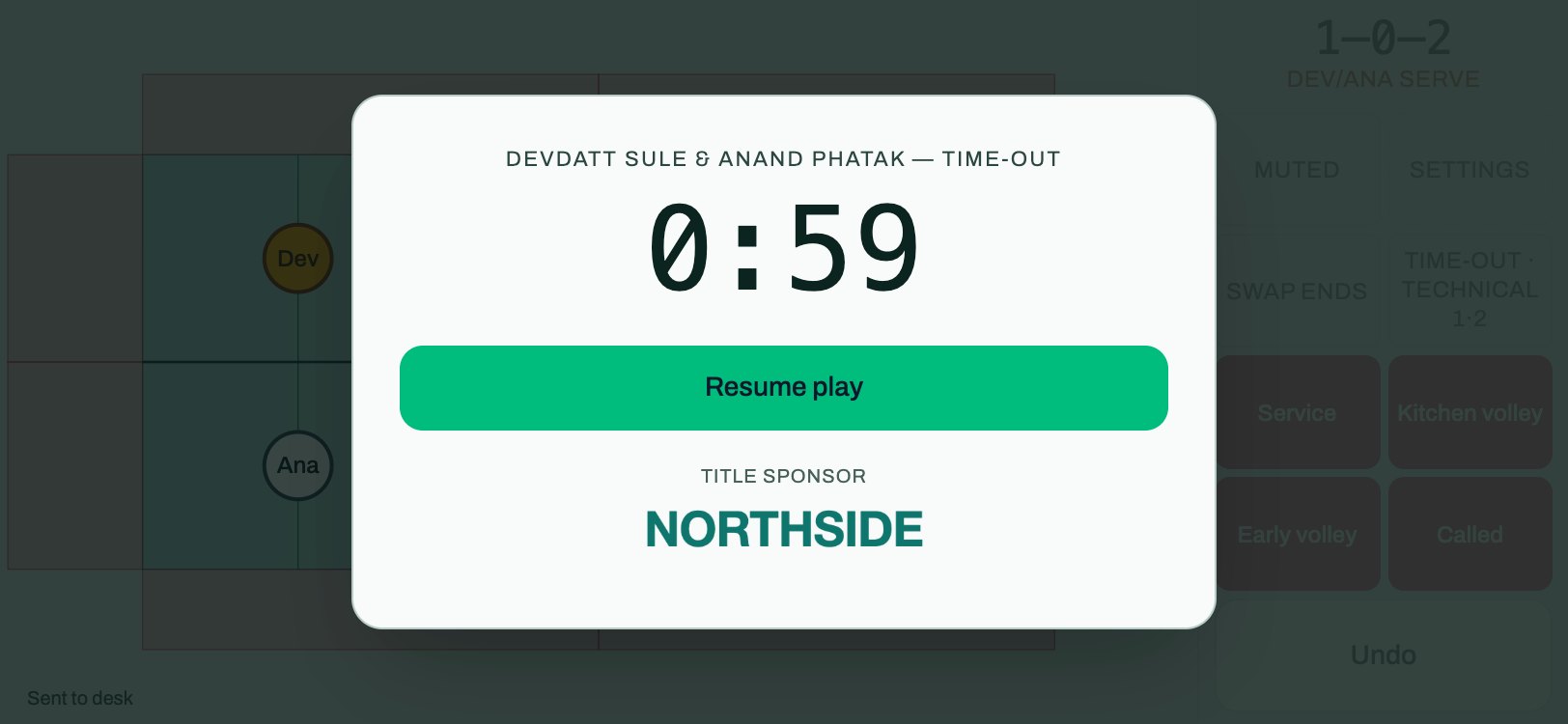
A time-out starts a one-minute clock. Resume play ends it early. If the organizer has a title sponsor, it is shown under the clock. It is not a link.
Undo
Undo takes back the last thing, at once, with no question. Use it freely. If it would reach back into a match you scored on another day, it asks first.
When the match ends
A Match complete card shows the score and three buttons: Next match, Sheet · Send and How it went. At an event, Next match turns green once the desk has the result. If it has not arrived, the button asks Not sent — discard it? before it lets you go, so you cannot lose a match by accident.
At an event, every point has been going to the desk as you scored it. The tag in the corner says Sending…, then Sent to desk. If there is no signal it says Not sent yet — will retry. Keep the app open until it says sent.
Outside an event, Sheet · Send shares the whole match so it can be replayed exactly as you scored it.
Settings
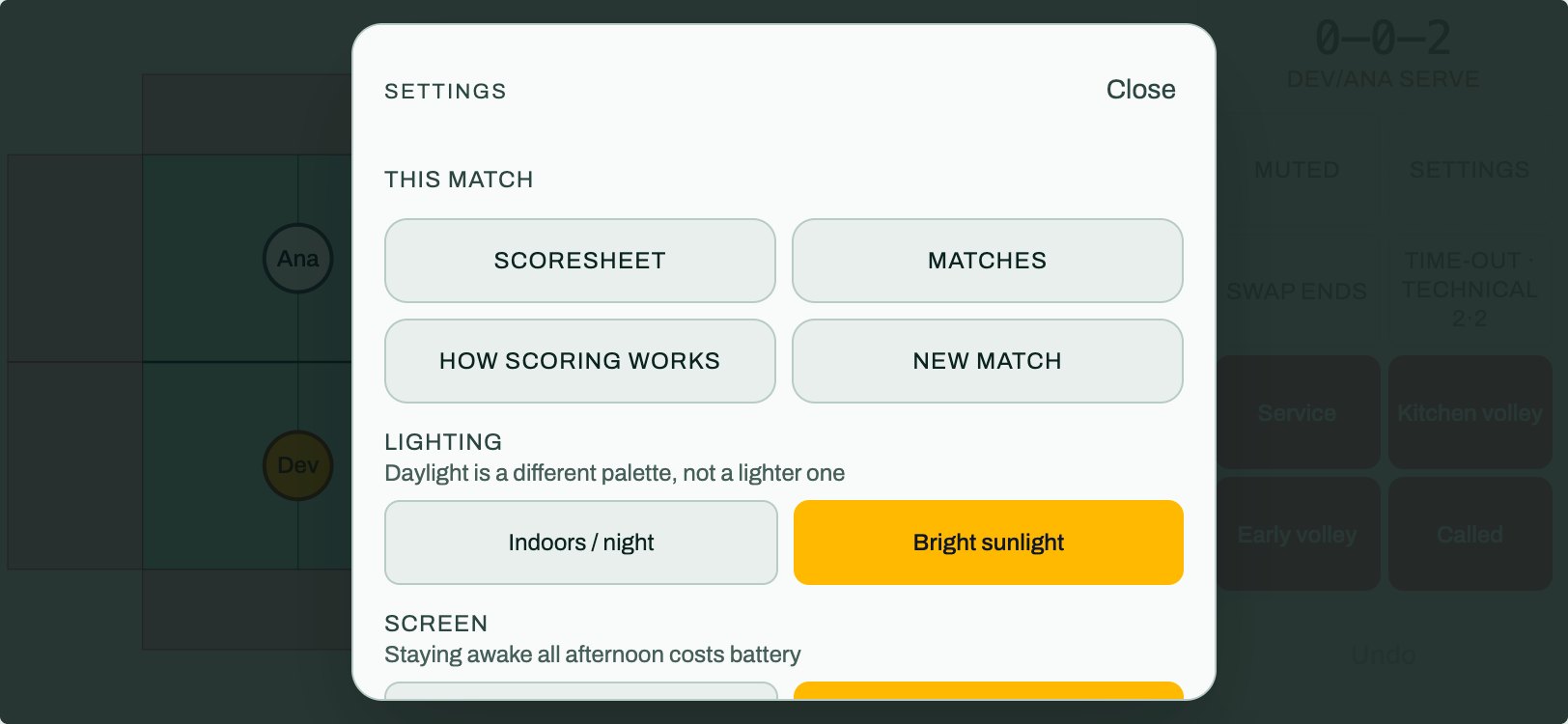
This match is first: the Scoresheet, your Matches list, How scoring works, and New match. New match asks twice, because it throws the match away. Below that are Lighting (night, or bright sunlight, which is a different palette and not only a lighter one), Screen, How much to record and which hand you hold the phone in.
Put it on your home screen
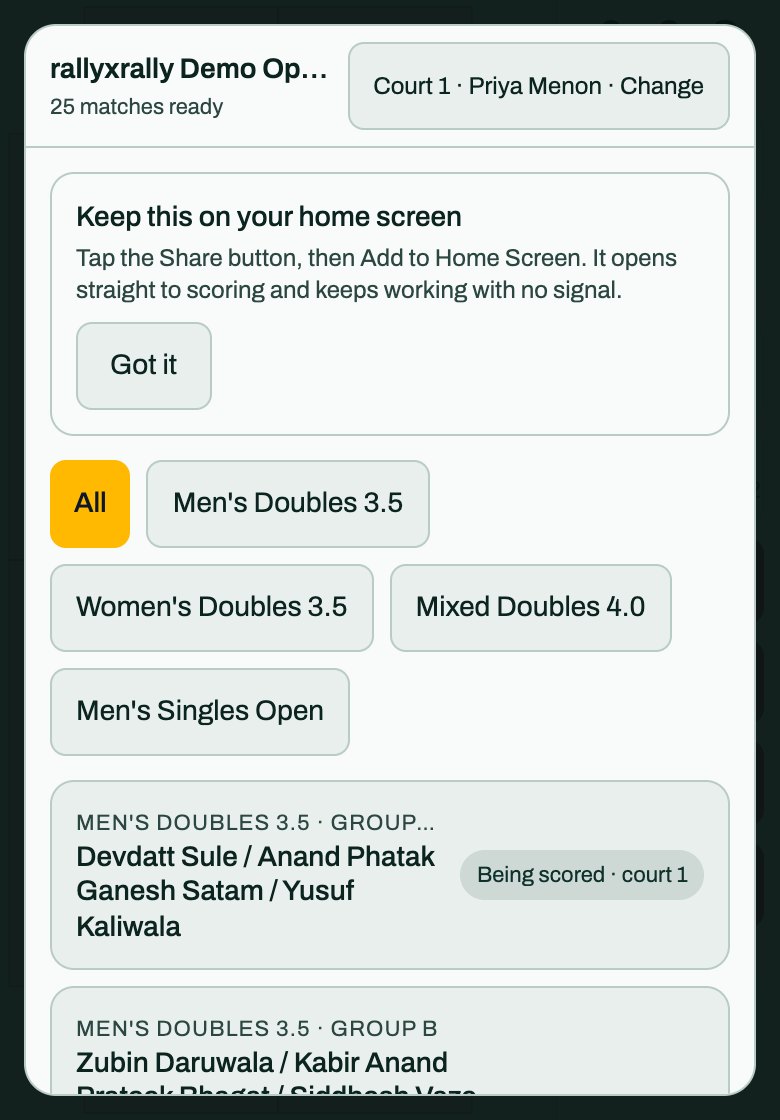
Open the link your organizer sent and add it to your home screen. The icon is named after the event, and has its own letter for referees (R), the desk (D) and captains (C), so a phone with two events on it shows two icons. It opens straight to scoring and keeps working with no signal.
- iPhone. Tap Share, then Add to Home Screen. The app says so itself, once, above your list of matches.
- Android. Use Install when Chrome offers it, or Add to Home screen in its menu.
Read this once more before the day
- If something goes wrong mid-match, read this first.
- The short help in the app is under Settings, then how scoring works.
More for referees
Referees
Referee card
One page to print, or keep on your phone. The four things, the faults, and what to do when it goes wrong.
1 min read · PDF
Referees
Scoreboard, Charting and Full charting
The three ways to record a match, what each one asks of you, and why to pick the one you will actually do.
1 min read · PDF
Referees
If something goes wrong
A mistap, a dead phone, no signal, a code that is not accepted, or you have fallen behind. What to do, in order.
2 min read · PDF