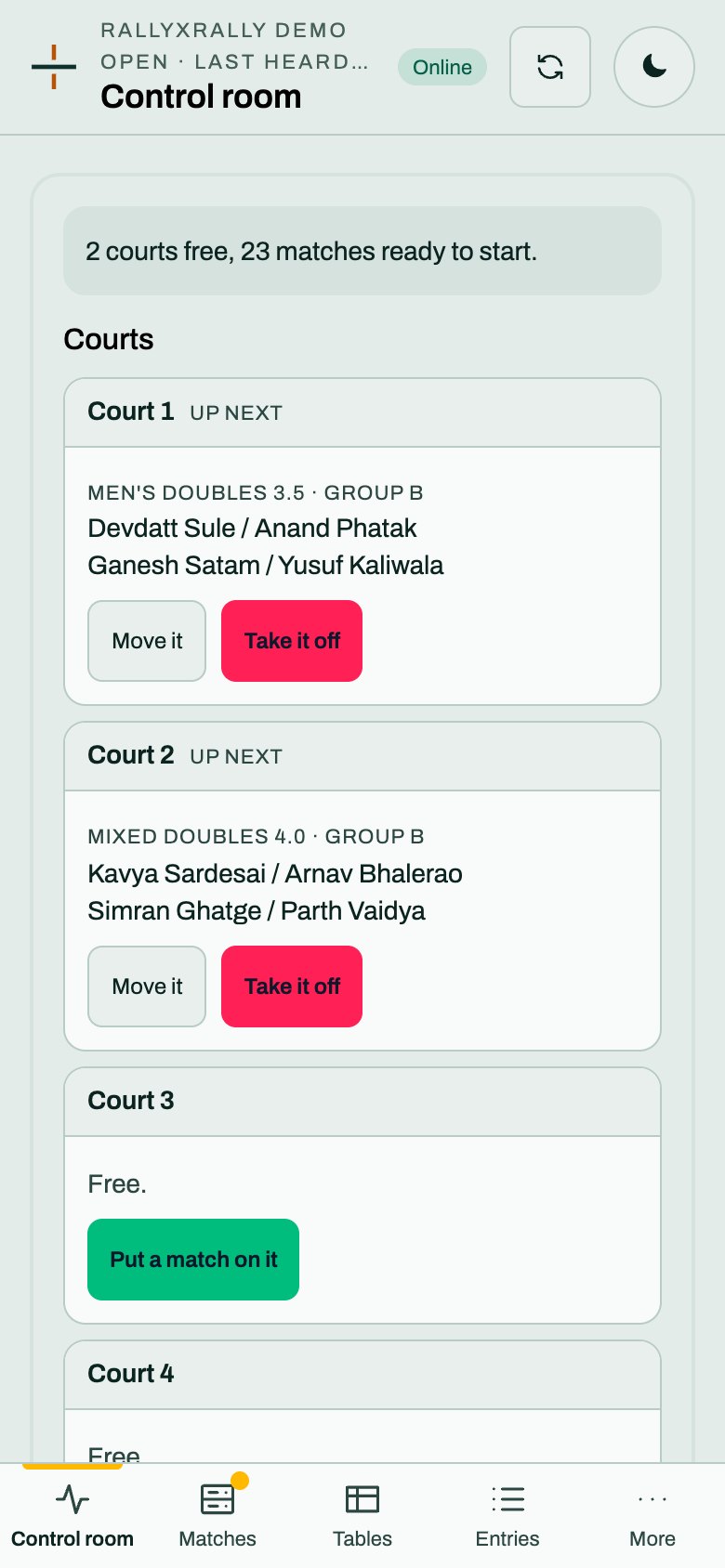
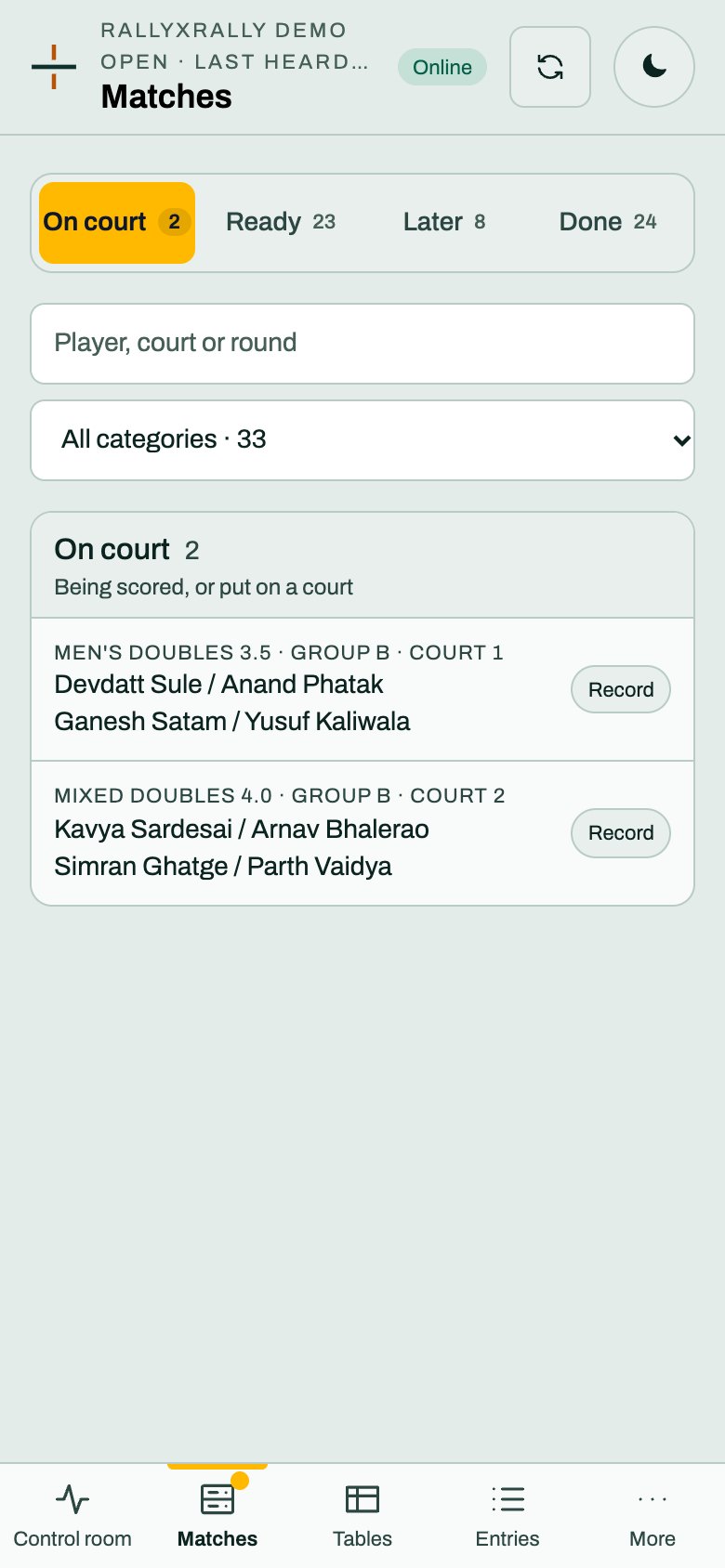
The desk
Tables, entries and referees on the desk
Read the group tables, deal with a tie that no rule can split, and see who is refereeing what.
Tables
Open Tables. Pick a category. For each group you see the standings, with P (played), W (won) and PTS, and under them the matches that make it up, each marked Paper when the desk typed it.
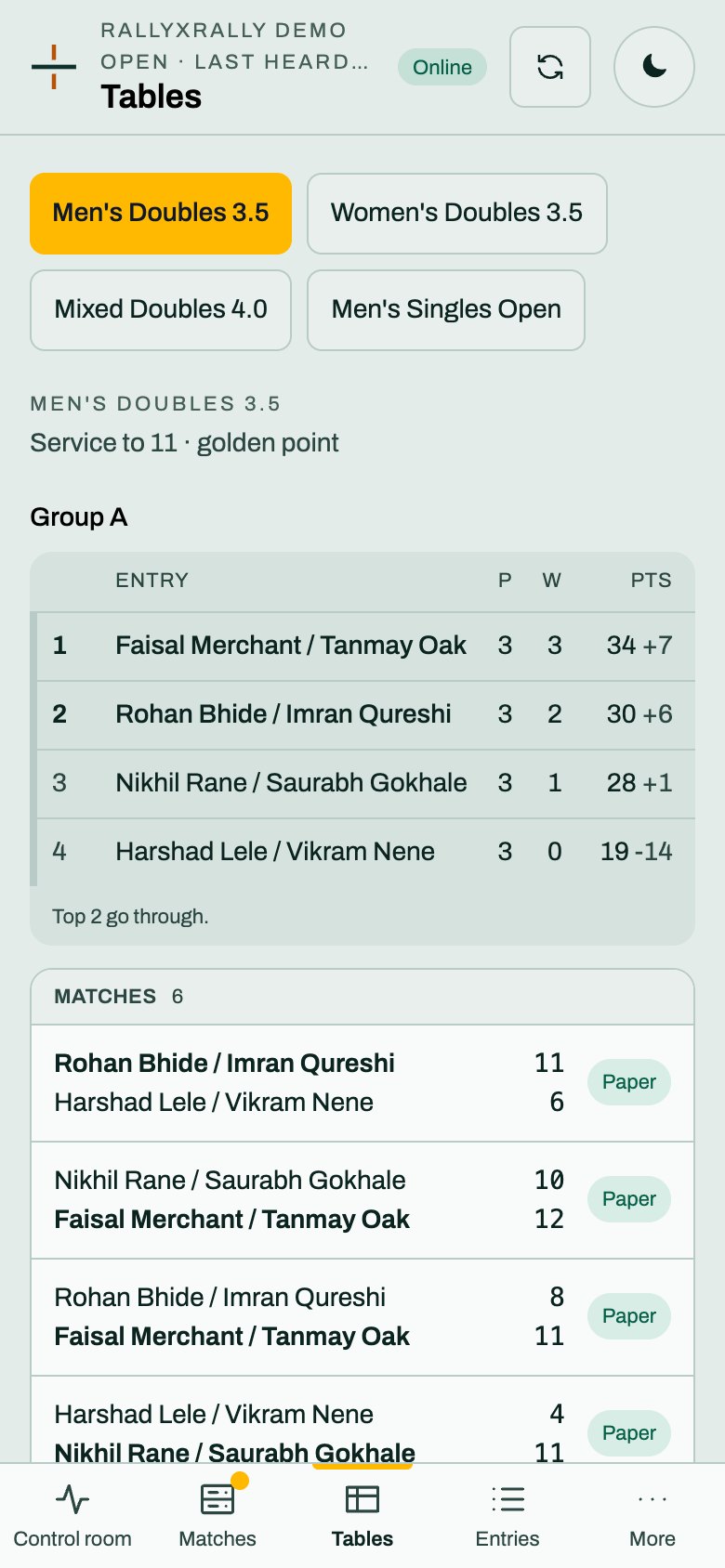
The order is rallyxrally's, from the results: matches won, then the head-to-head between exactly two, then point difference, then points for. While matches are missing the table says Not every match is in, so the order is provisional.
If two or more are level on every tie-break, the control room tells you and the table asks you to place them. The knockout waits for it. The order you set is a ruling the desk makes, and it is recorded.
Entries
Entries shows who is in each category. The desk can fix an entry on the day. Anything bigger than a spelling, such as adding a pair or changing groups, is the organizer's and redraws the group: Entries.
Referees
Open Referees. It shows each referee code by its name, what it has on it, and says how many playable matches have nobody on them.
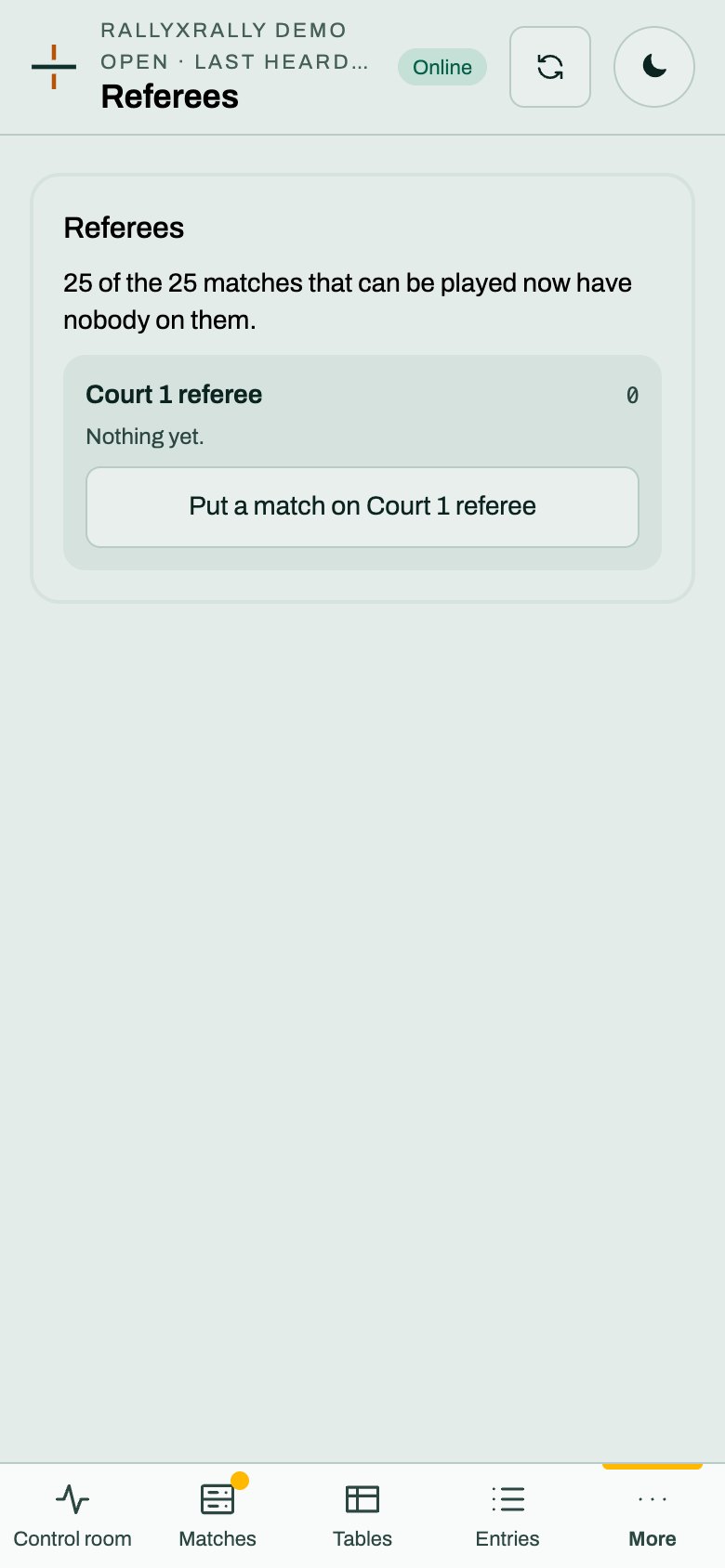
Put a match on that referee to assign one. A referee who has been assigned sees their match first. A match with no referee still works: any referee can start it from the list. The names are the ones you gave when the codes were issued, which is why they are worth filling in.