Organizers
Entries
Add players one at a time, or import a list. Withdraw someone without losing the matches already played.
Where entries are
Open Entries. The categories run across the top with the number of entries in each. Pick one, or Everyone. Search entries finds a name.
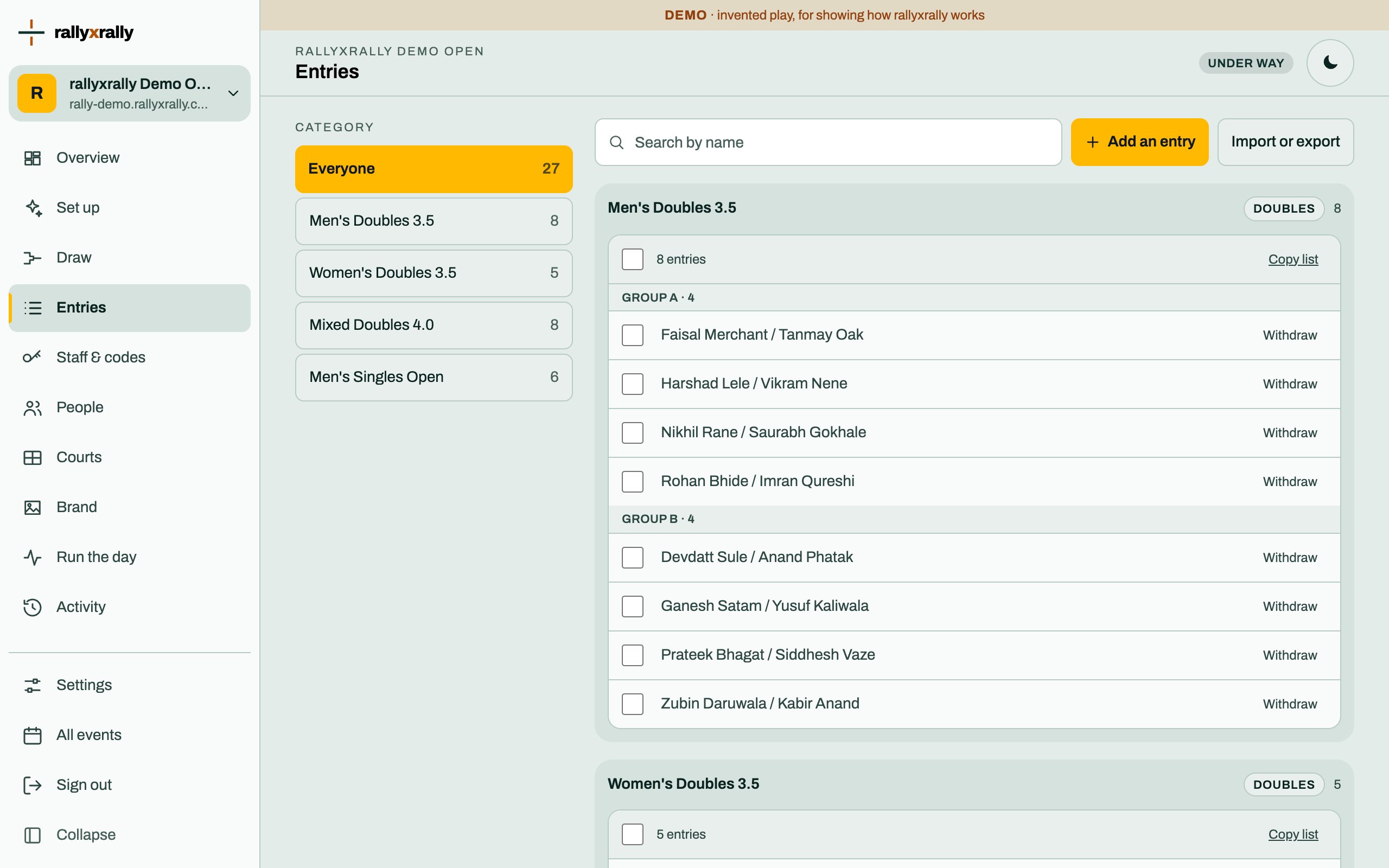
Add one
Press Add an entry.
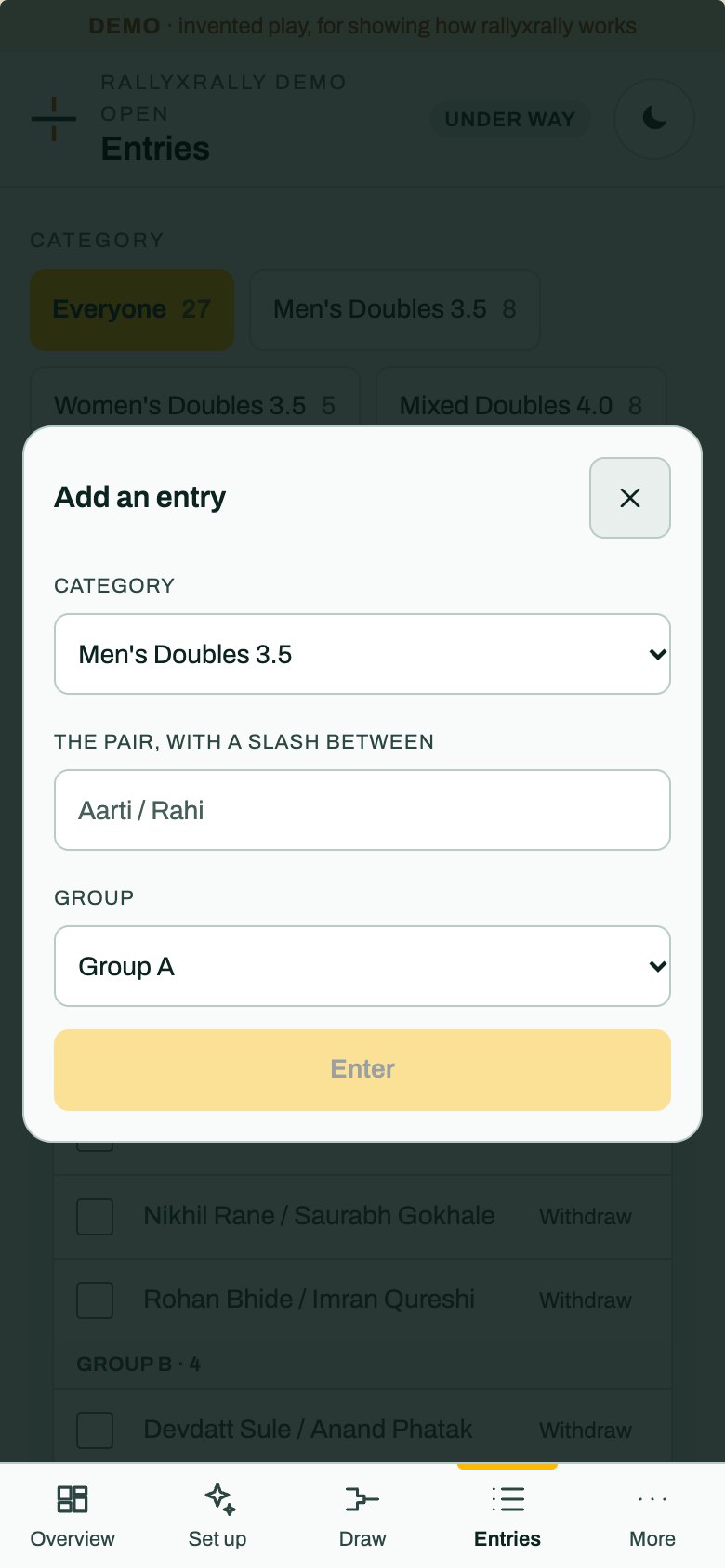
- Category: where it goes.
- The pair, with a slash between:
Aarti / Rahi. A singles entry is one name. - Group: which group it joins.
Press Enter. It is in the draw straight away.
Import a list
Press Import or export.
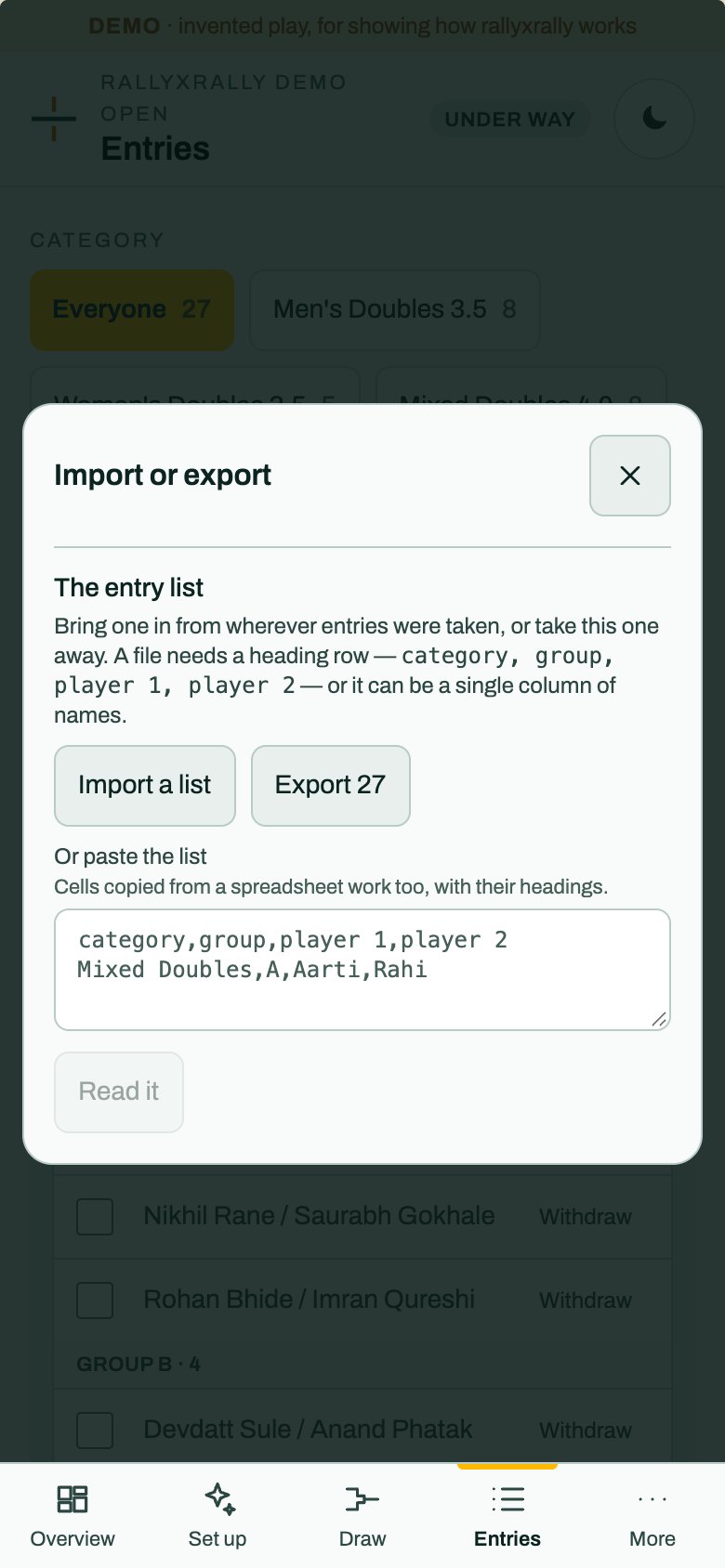
A file needs a heading row, category, group, player 1, player 2, or it can be a single column of names. You can also paste cells copied from a spreadsheet, with their headings. Press Read it.
An import creates the categories it names. Export gives you the current list to take away.
Withdraw someone
Press Withdraw next to an entry. They stay in the draw, because every fixture is built out of entries. What changes is that their remaining matches are not to be played, and the desk is offered a walkover for each.
Matches already played stand.
Late entries
A late entry changes the draw of its group. Add it before the first match of that group if you can. If matches are already recorded, the screen tells you what the change would touch before you make it.
More for organizers
 Organizers
Create your event
Sign in, name your event, and see the five steps between an empty event and a published draw.
1 min read · PDF
 Organizers
Categories and the draw
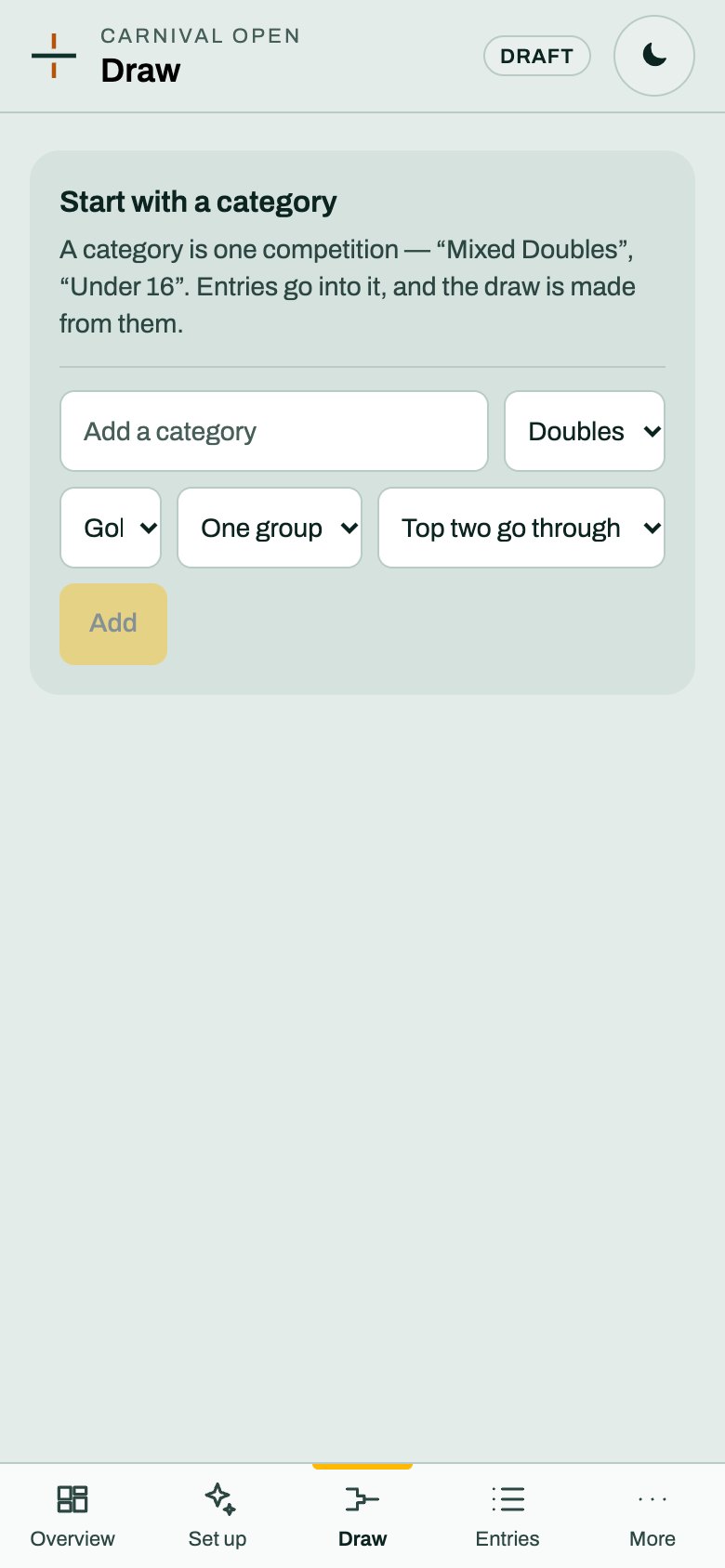
A category is one competition. Choose its format and groups, and rallyxrally makes the draw from the entries.
2 min read · PDF
 Organizers
Codes for the desk and referees
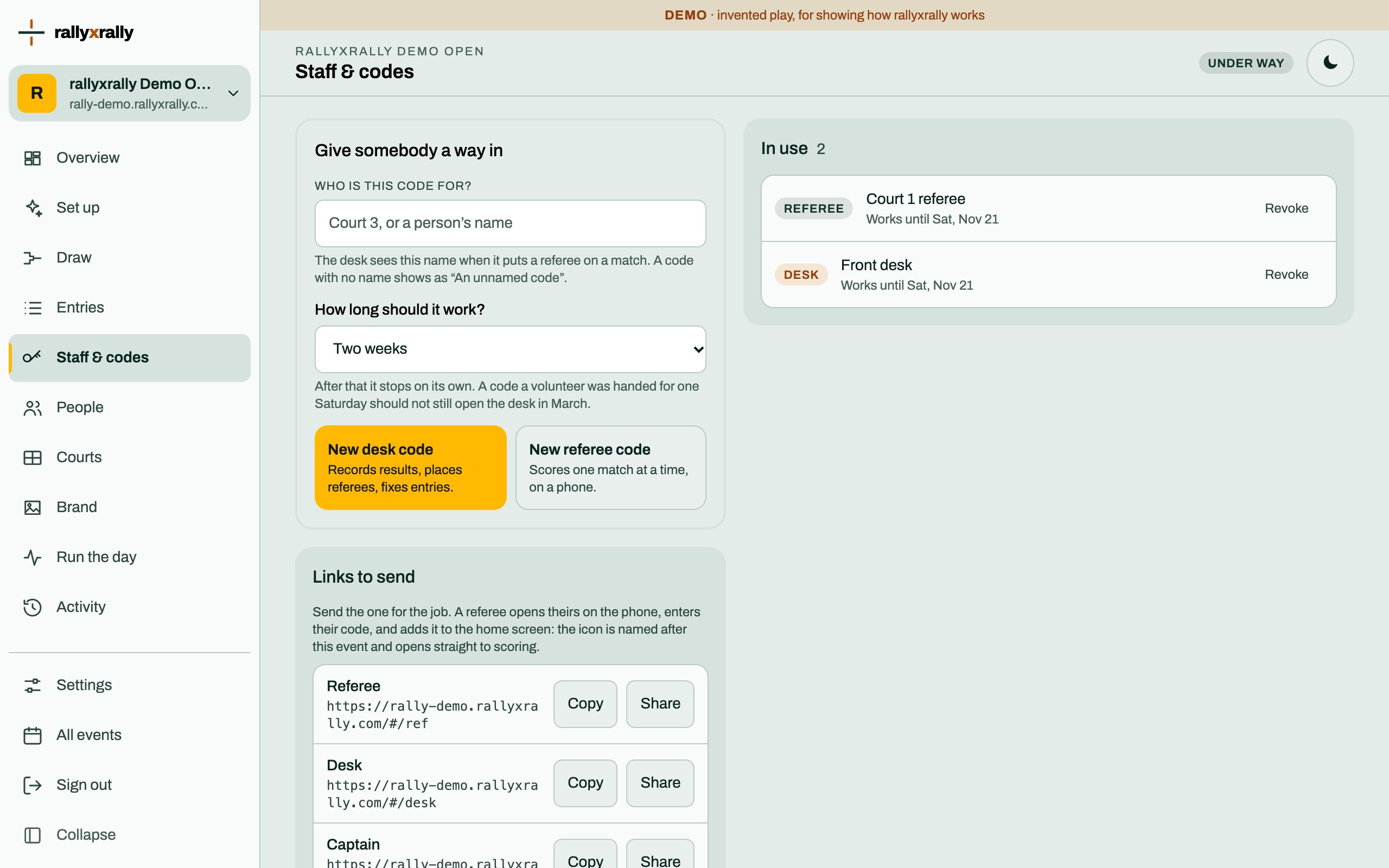
How to give someone a way in, how long it lasts, and what to do when a code is lost.
2 min read · PDF