Organizers
Categories and the draw
A category is one competition. Choose its format and groups, and rallyxrally makes the draw from the entries.
Start with a category
A category is one competition: "Mixed Doubles", "Under 16". Entries go into it, and the draw is made from them. Open Draw and fill in the box.
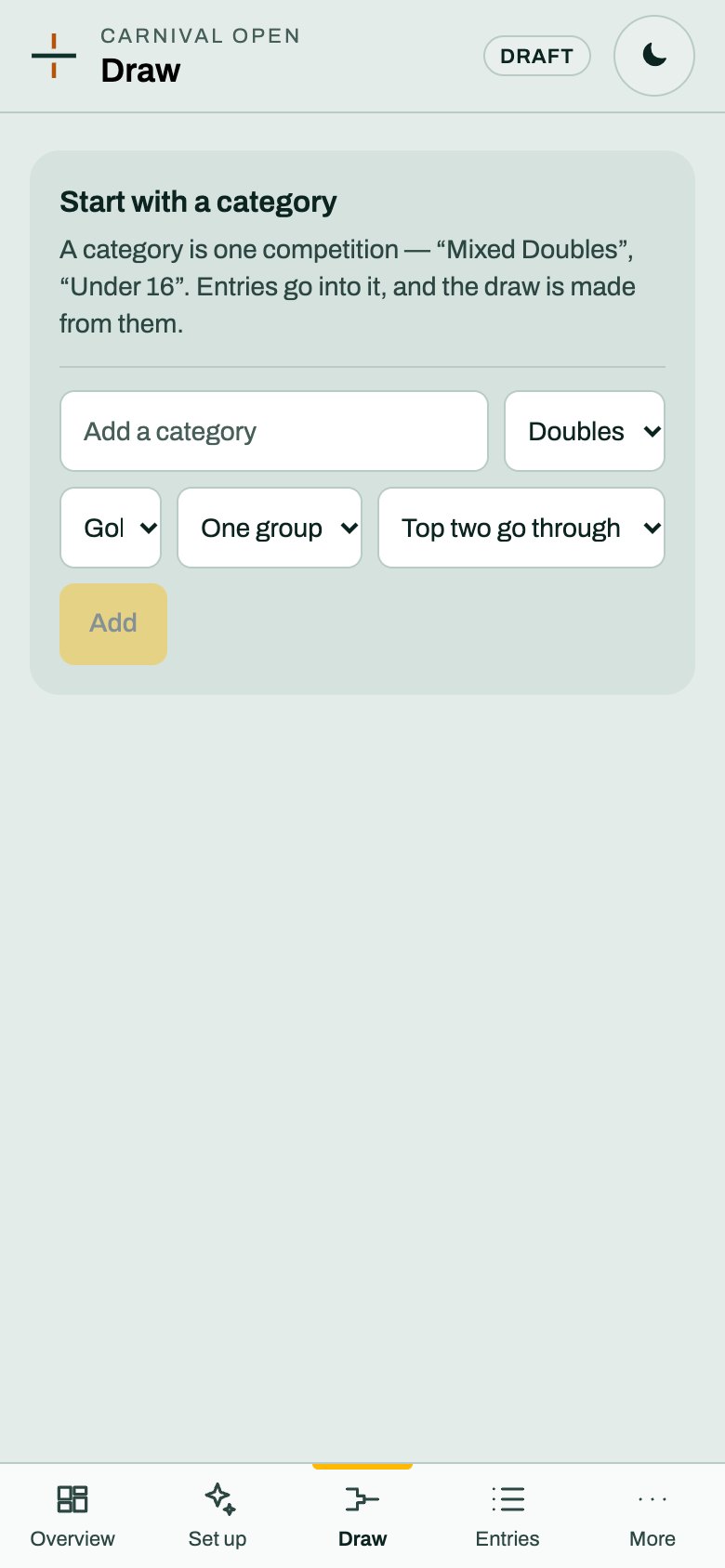
You choose:
- Doubles, Singles or Teams. Teams is for a team competition and has its own setup. This guide covers Doubles and Singles.
- How a match is scored, from a list: one game to 11, golden point, best of 3, one game to 15 or 21, capped to 11 (cap 15), and rally scoring to 15 or 21.
- How many groups: one group, or 2 to 8.
- What happens after the groups: No knockout, Winners go through, or Top two go through.
Press Add.
The draw is made for you
You do not draw anything. rallyxrally makes the groups and the knockout from your entries, and shows it:
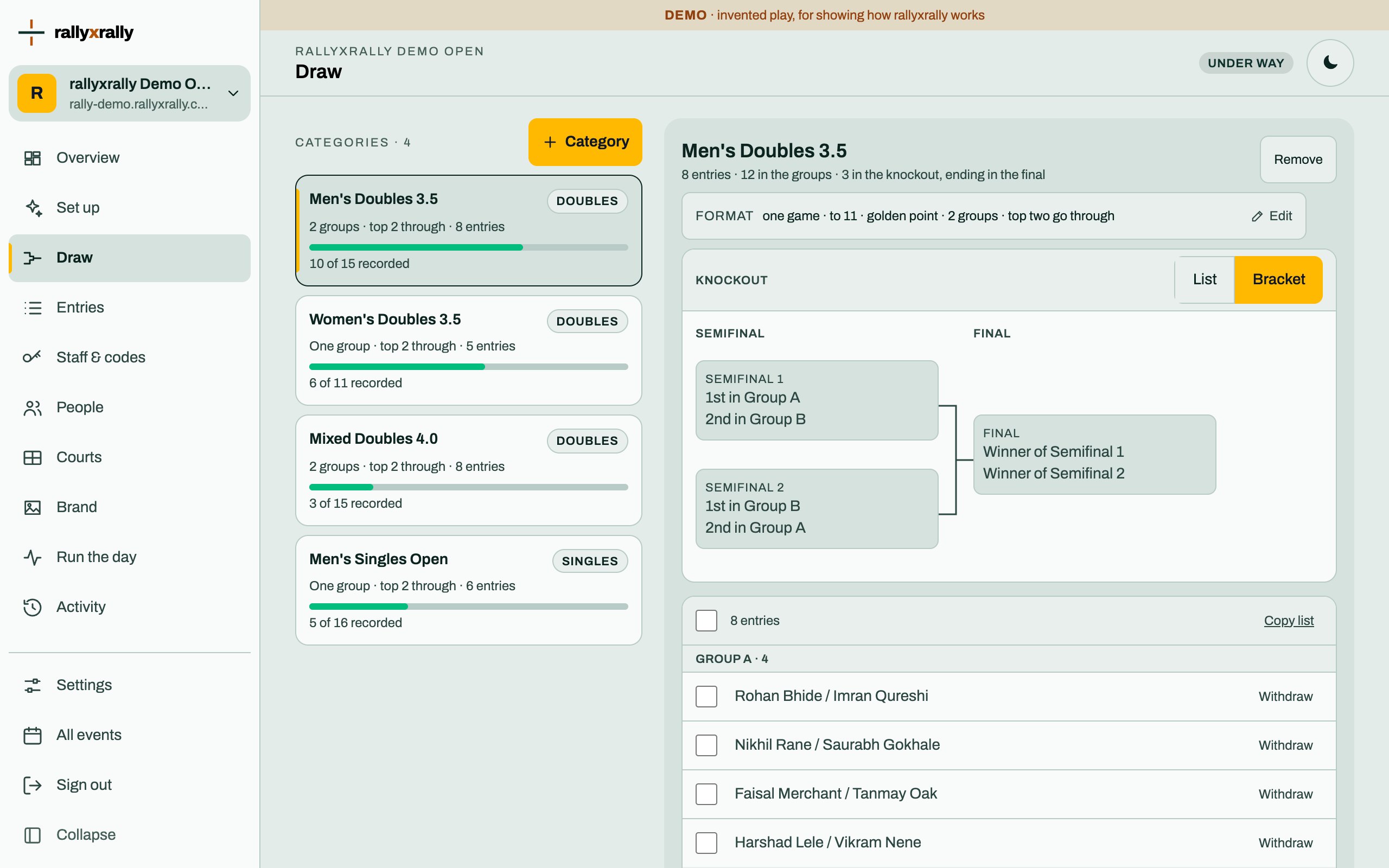
Each category says how much is played ("10 of 15 recorded"). Open one to see its entries by group and its knockout, for example "Semifinal 1: 1st in Group A v 2nd in Group B".
Because the draw is made from the entries, it changes when they do. A late entry changes its group. Changing the number of groups moves every place in the knockout. Do it before play where you can.
Publish it
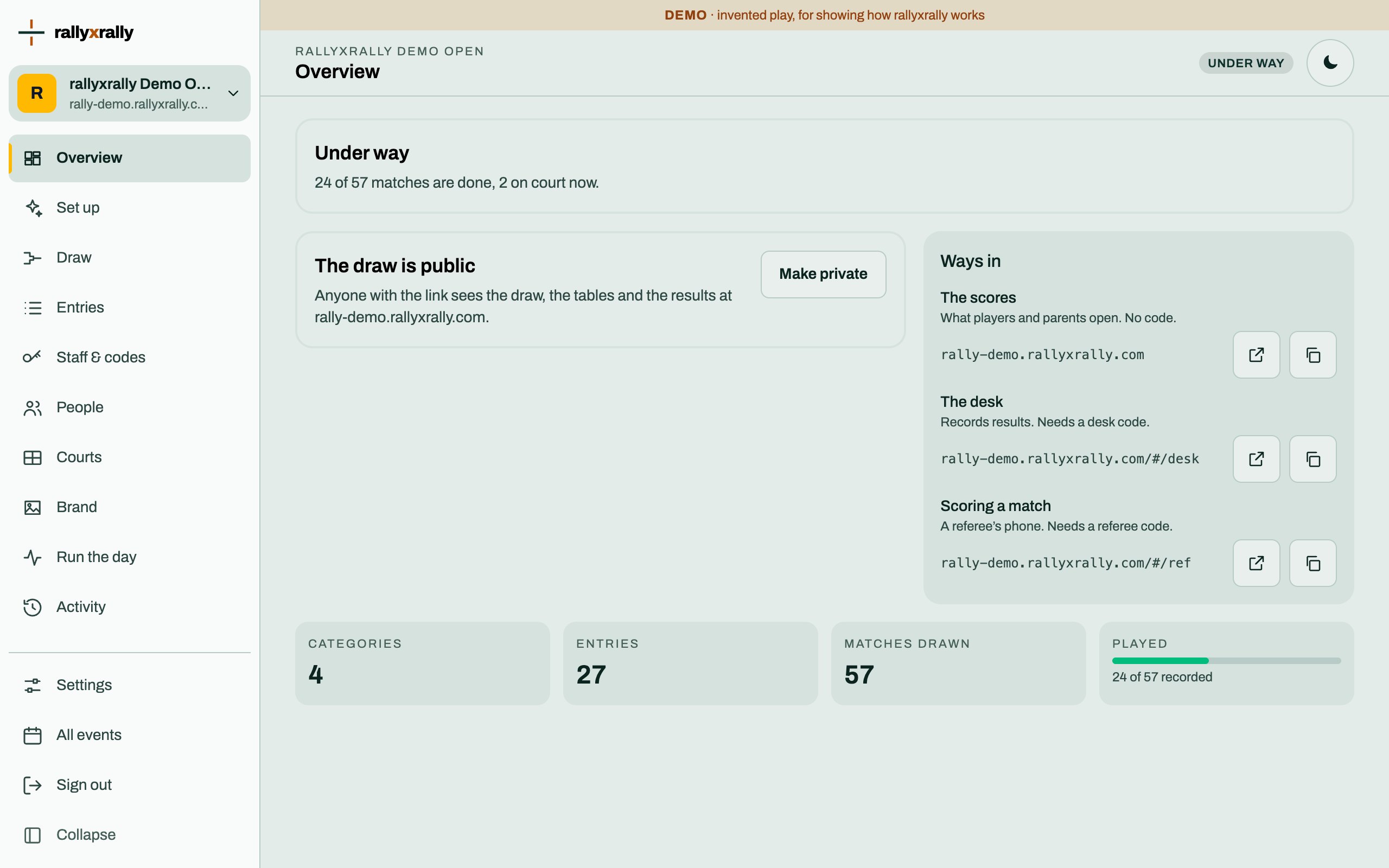
A new event's draw is private: only you and whoever holds a desk code can see it, and the desk works either way. When you are ready, press Publish the draw on the Overview. You need at least one category.
Once it is public, anyone with the link sees the draw, the tables and the results. Make private takes it back.
More categories, and removing one
Once you have one, New category adds the next. Remove takes one away. Before any change that would move a draw, the screen says what it would affect, such as matches that already have a result.
More for organizers
 Organizers
Create your event
Sign in, name your event, and see the five steps between an empty event and a published draw.
1 min read · PDF
 Organizers
Entries
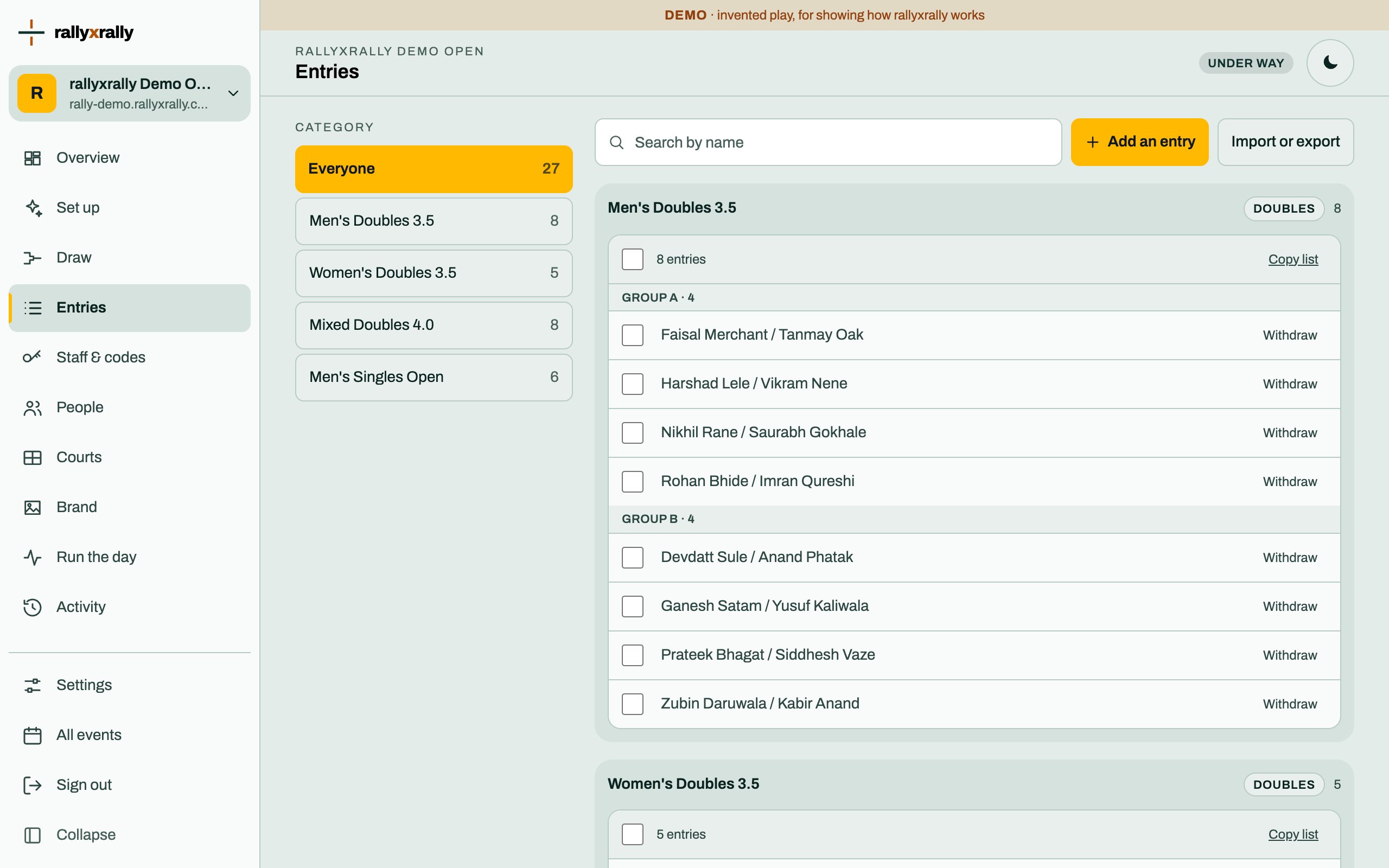
Add players one at a time, or import a list. Withdraw someone without losing the matches already played.
1 min read · PDF
 Organizers
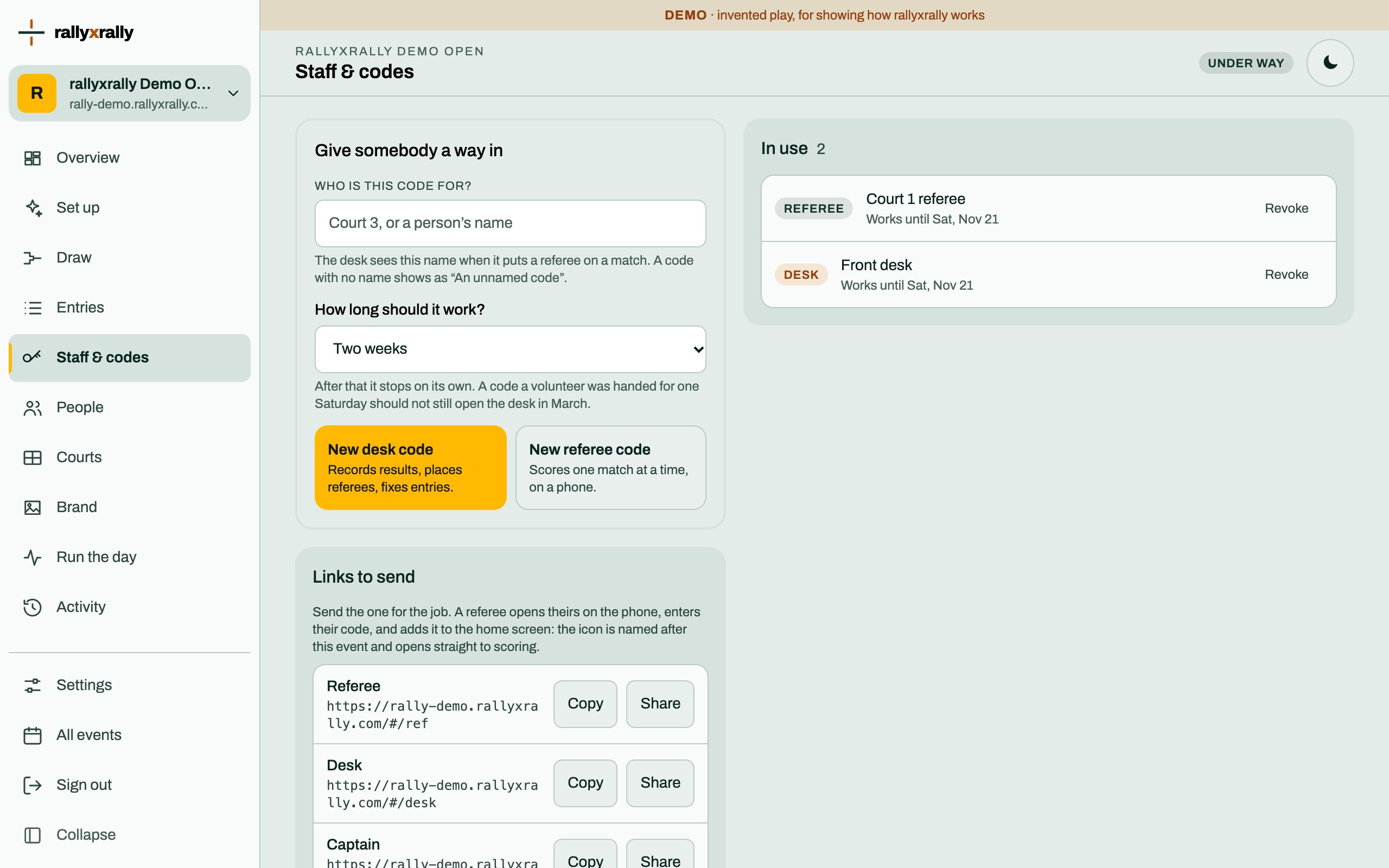
Codes for the desk and referees
How to give someone a way in, how long it lasts, and what to do when a code is lost.
2 min read · PDF