Organizers
Create your event
Sign in, name your event, and see the five steps between an empty event and a published draw.
Sign in and create it
Sign in at app.rallyxrally.com with your Google account. You arrive at Your events. Press New event.
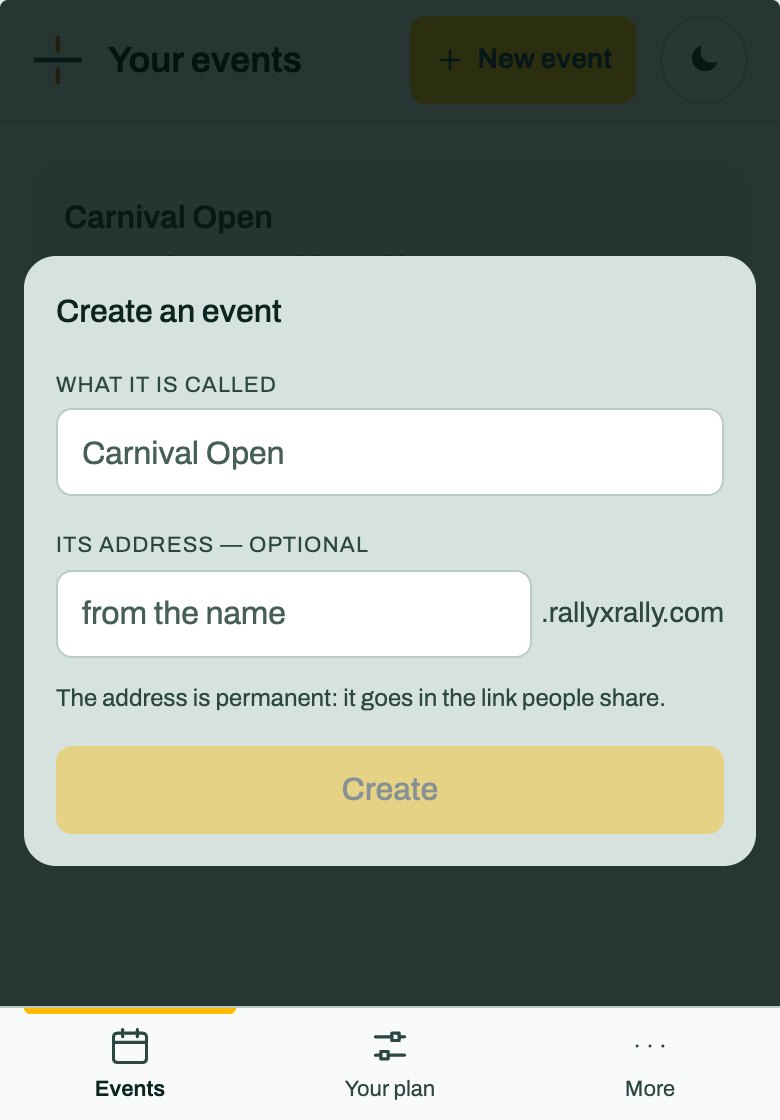
- What it is called. The name people see: "Carnival Open".
- Its address, optional. If you leave it empty it is made from the name. It becomes
carnival-open.rallyxrally.com, the link everyone uses.
The address is permanent. It goes in every link you share, so it cannot be renamed afterwards. Choose it before you send anything out.
A new event is a draft. Only you and whoever holds a desk code can see it.
Getting ready
The Overview shows what is left, in order:
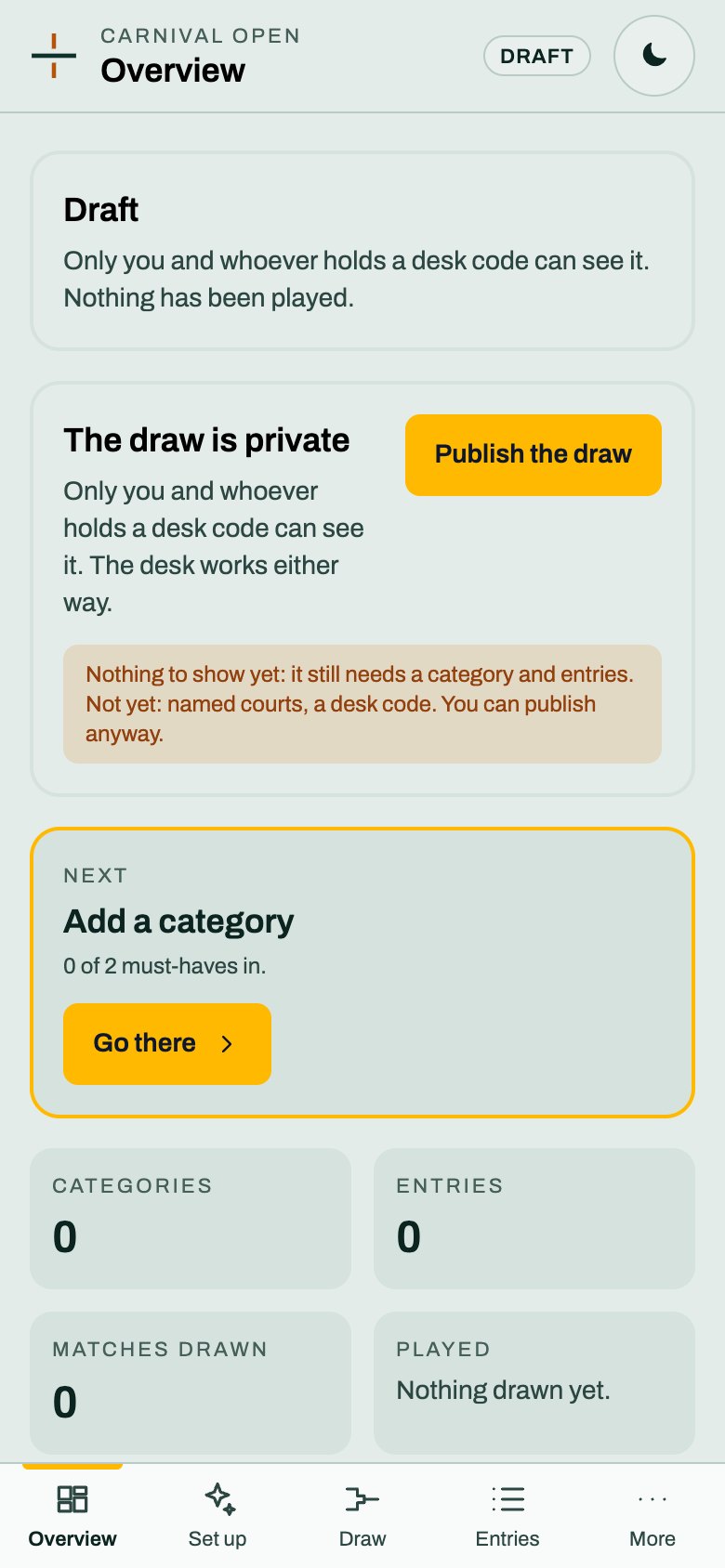
- Add a category. One competition, such as Mixed Doubles.
- Enter who is playing. Type entries in, or import a list.
- Name the courts, optional. Courts.
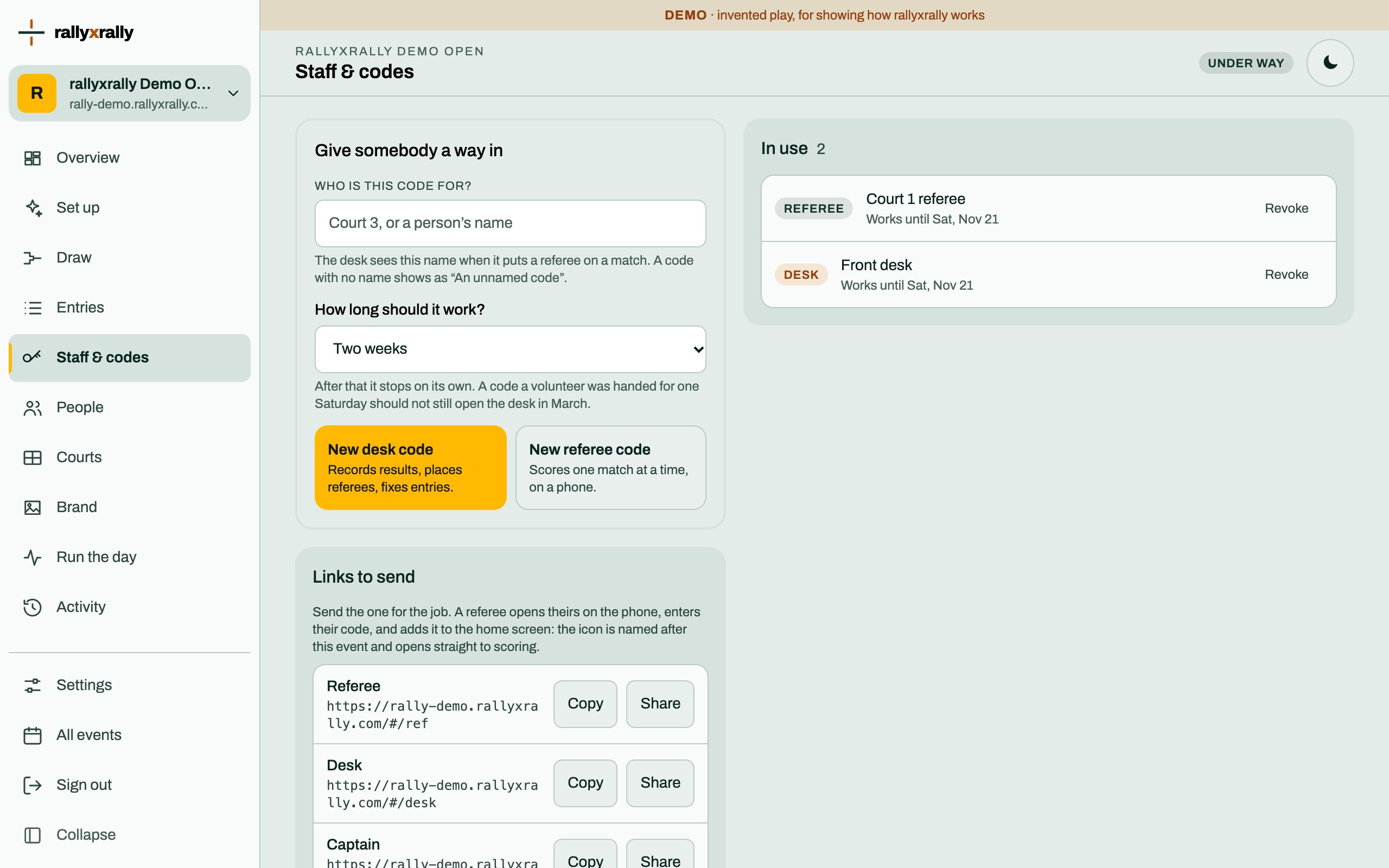
- Issue a desk code. Codes for the desk and referees.
- Publish the draw, when you are ready for players to see it.
The big button on the Overview always takes you to the next step.
Ways in
At the bottom of the Overview, three addresses, each with buttons to open and to copy it:
| Address | Who uses it | Needs |
|---|---|---|
| The scores | Players and parents | No code |
The desk (…/#/desk) | Whoever records results | A desk code |
Scoring a match (…/#/ref) | A referee's phone | A referee code |
Send people the one they need. Do not send the desk address to everyone.
Running the day
Run the day in the menu opens the desk, as you. It is for when you are the desk, or need to step in. How the desk works.
More for organizers
 Organizers
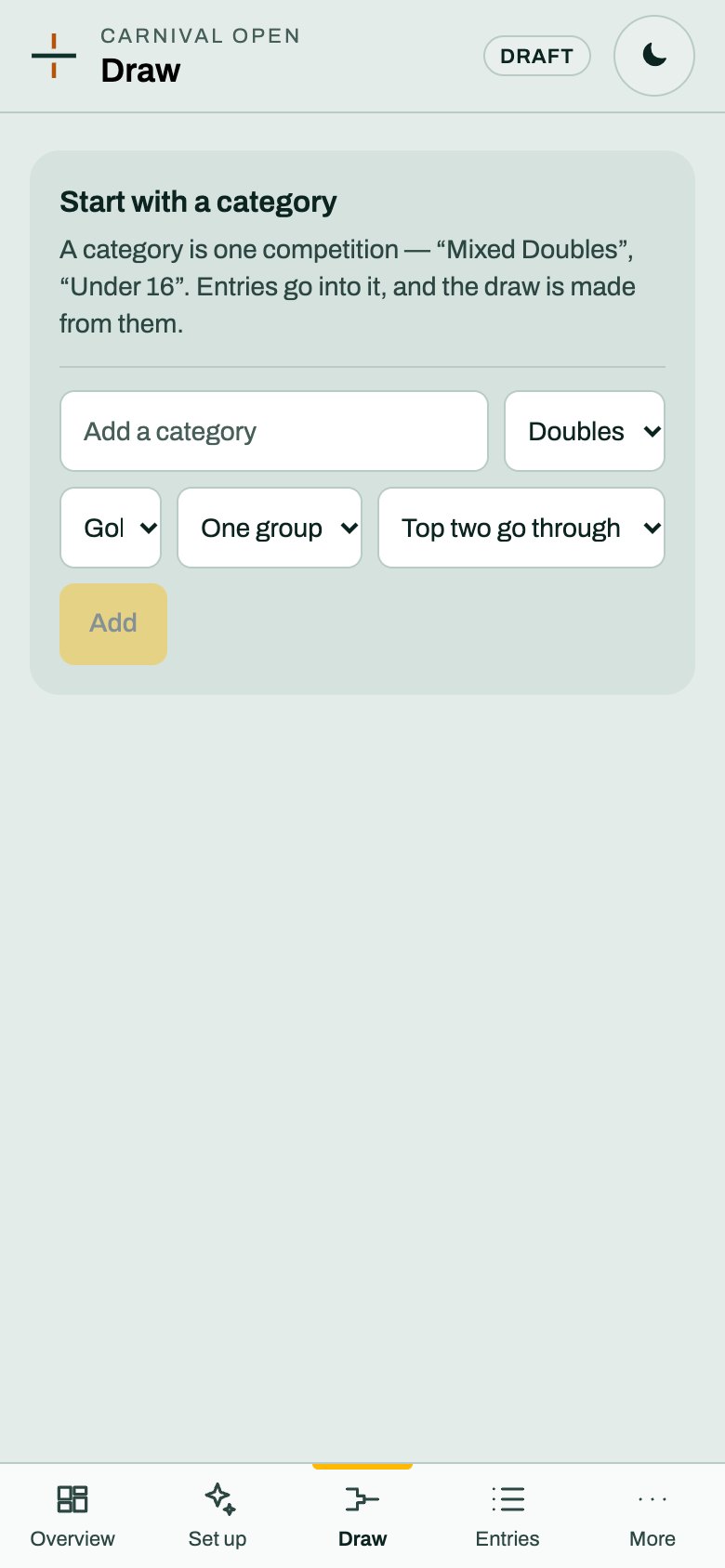
Categories and the draw
A category is one competition. Choose its format and groups, and rallyxrally makes the draw from the entries.
2 min read · PDF
 Organizers
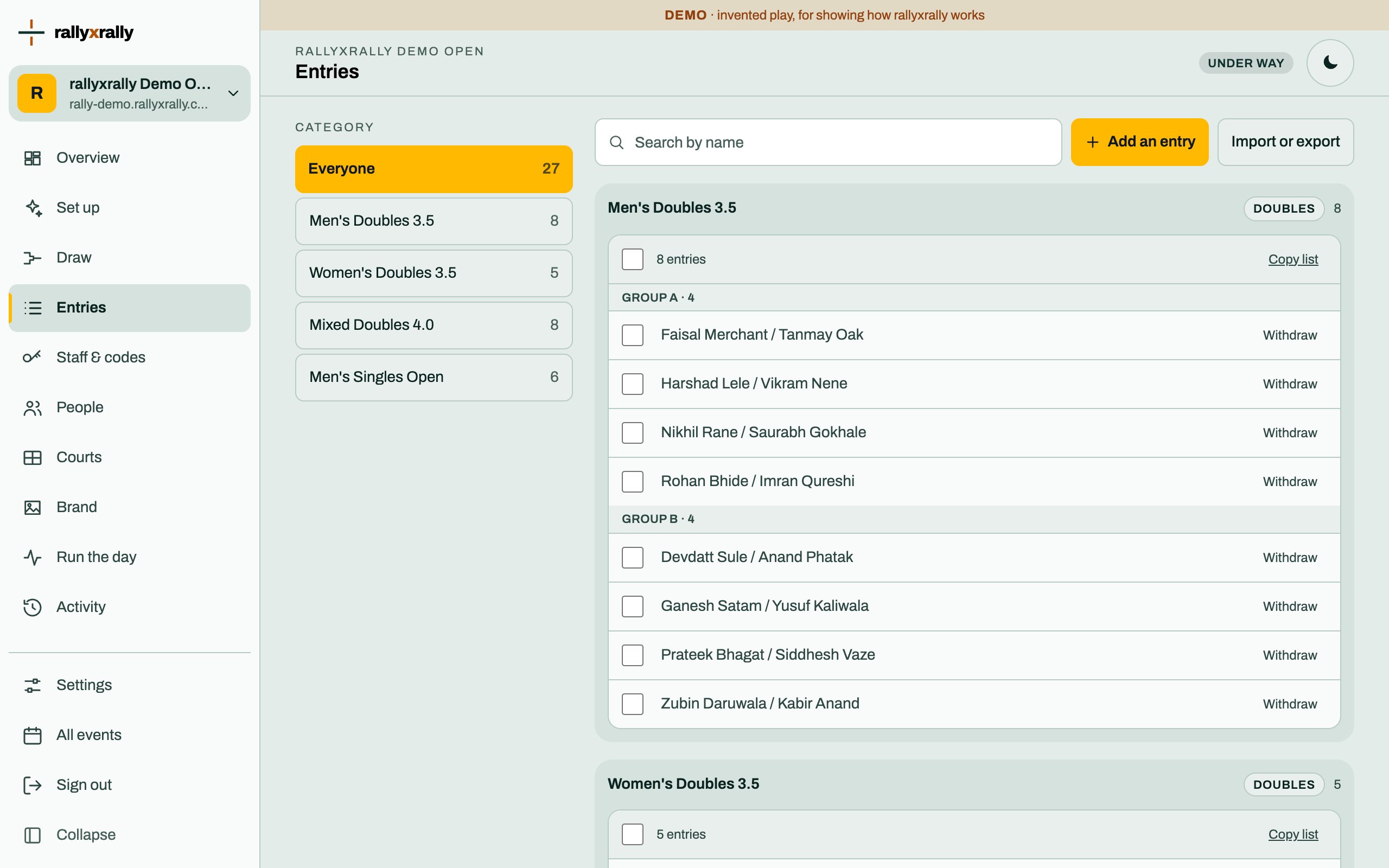
Entries
Add players one at a time, or import a list. Withdraw someone without losing the matches already played.
1 min read · PDF
 Organizers
Codes for the desk and referees
How to give someone a way in, how long it lasts, and what to do when a code is lost.
2 min read · PDF