Organizers
Reading the activity log
Who changed what, and when, in your event. Filter by person, kind of change or time.
Open Activity. Every change to your event is written here, newest first: "You issued a code", "Front desk changed the courts".
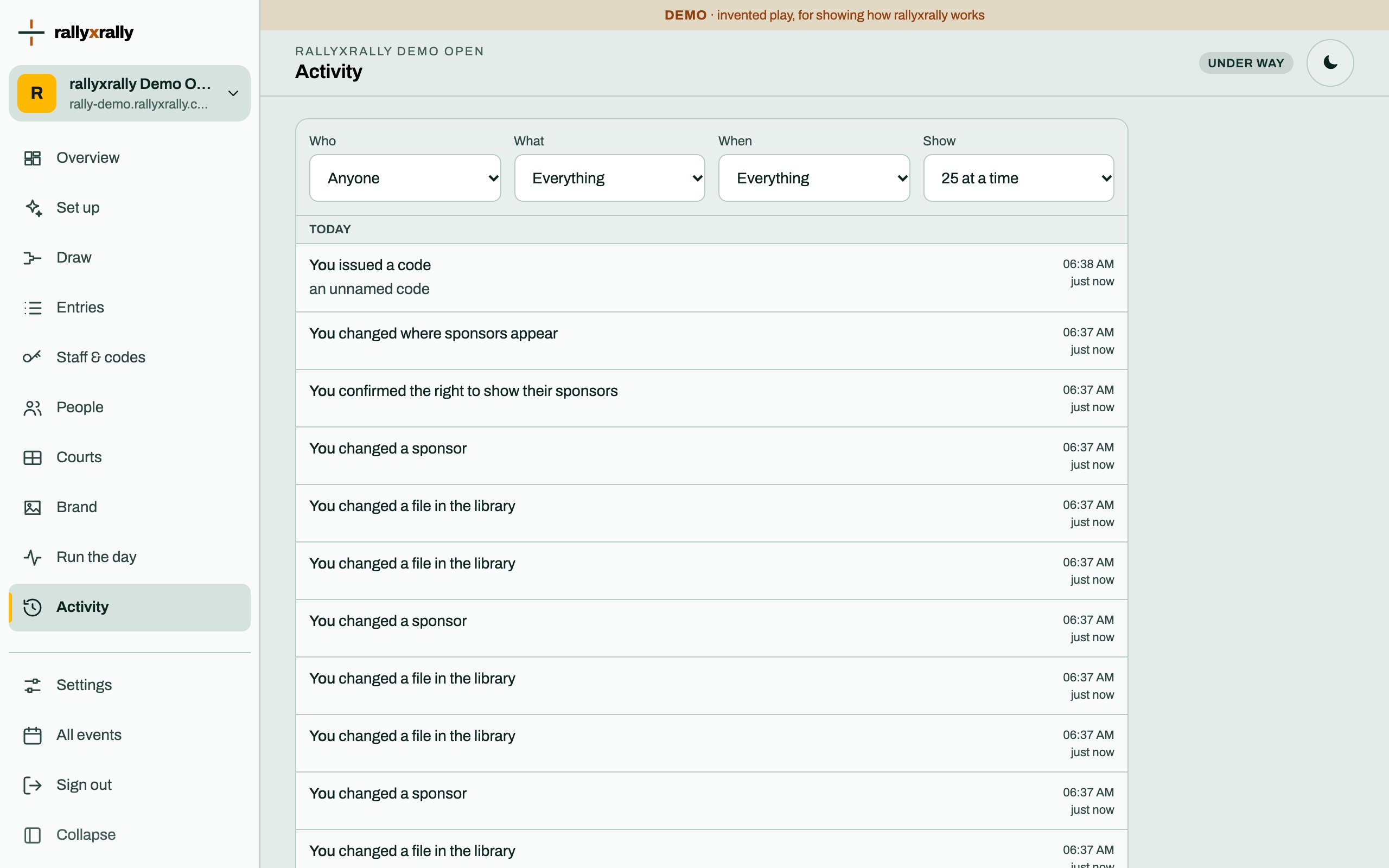
Filters
- Who: anyone, the organizers, any desk, any referee, or one code by its name.
- What: results, courts and order, referees on matches, entries, codes, publishing, support, ties and lineups.
- When: the last hour, the last 24 hours, or everything.
- Show: 25, 50 or 100 at a time.
What it does and does not hold
It records who and what kind of change. It does not hold people's names from your draw: an entry change says "you changed an entry", not whose. That keeps the log from being a second copy of your draw.
A result, a court, a referee, a code, a publish and a reset all appear. So does every time rallyxrally's support has looked at your event, and for how long. That is the one place you can always check.
Using it on the day
When something looks wrong, filter What to the kind of change, and When to the last hour. The name next to the change is the code that made it, which is why codes have names.
More for organizers
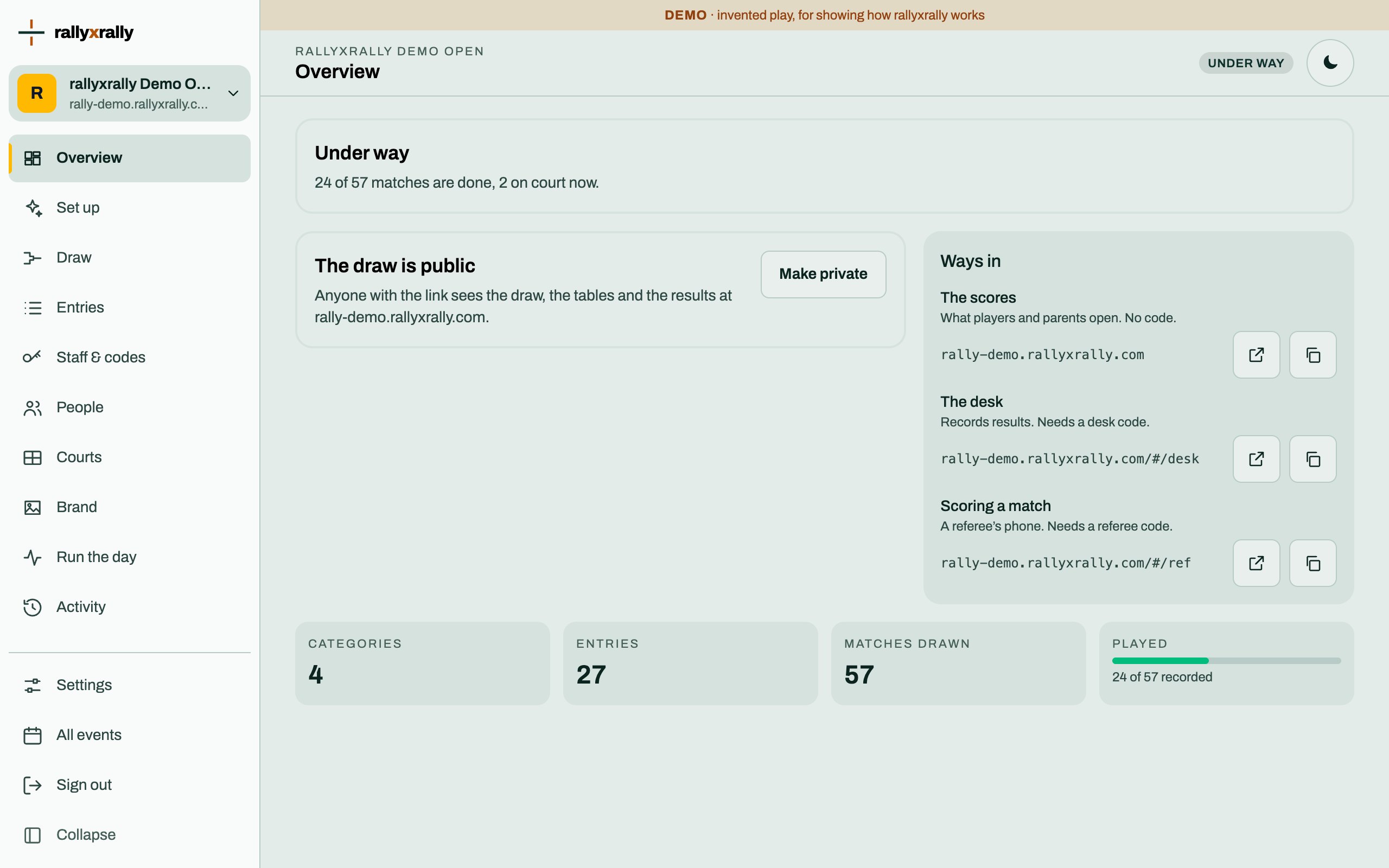 Organizers
Create your event
Sign in, name your event, and see the five steps between an empty event and a published draw.
1 min read · PDF
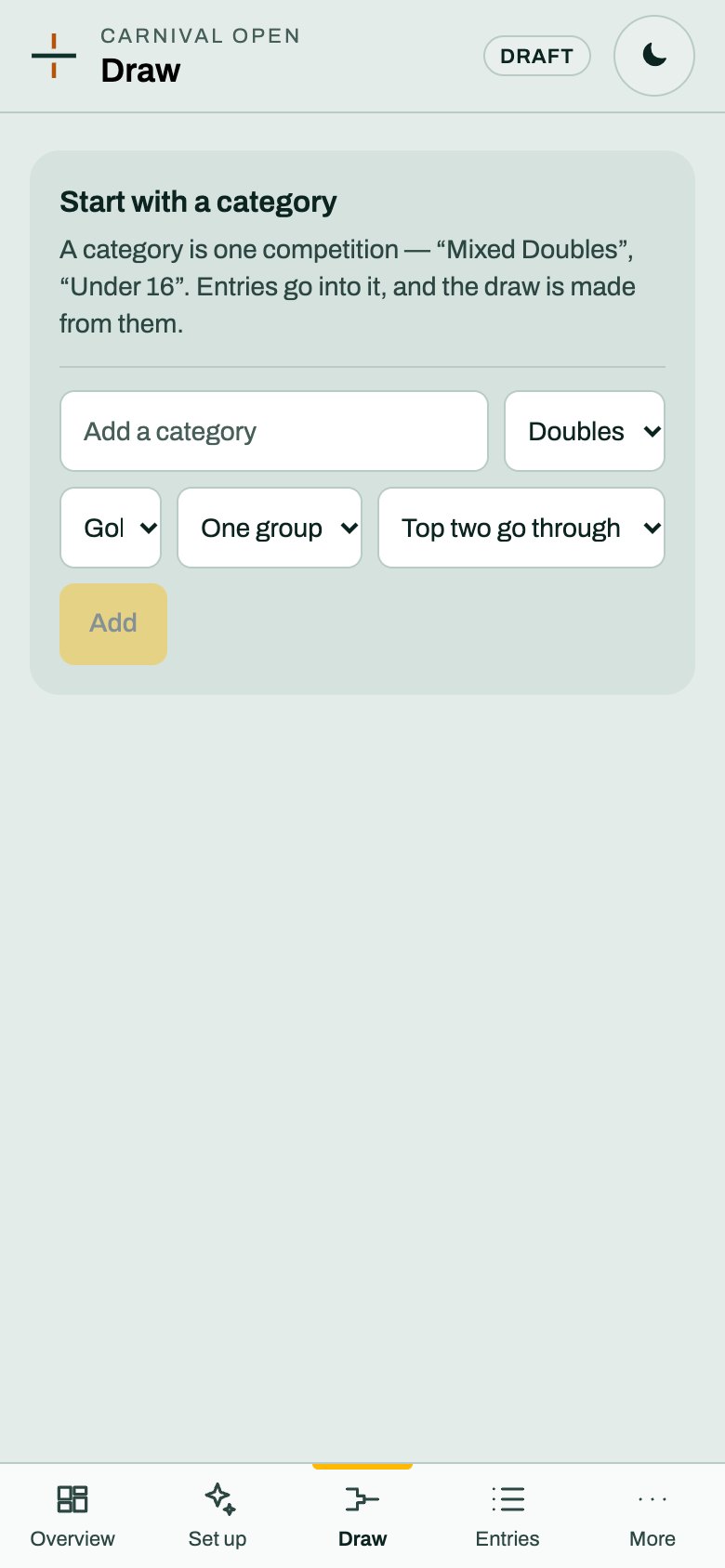 Organizers
Categories and the draw
A category is one competition. Choose its format and groups, and rallyxrally makes the draw from the entries.
2 min read · PDF
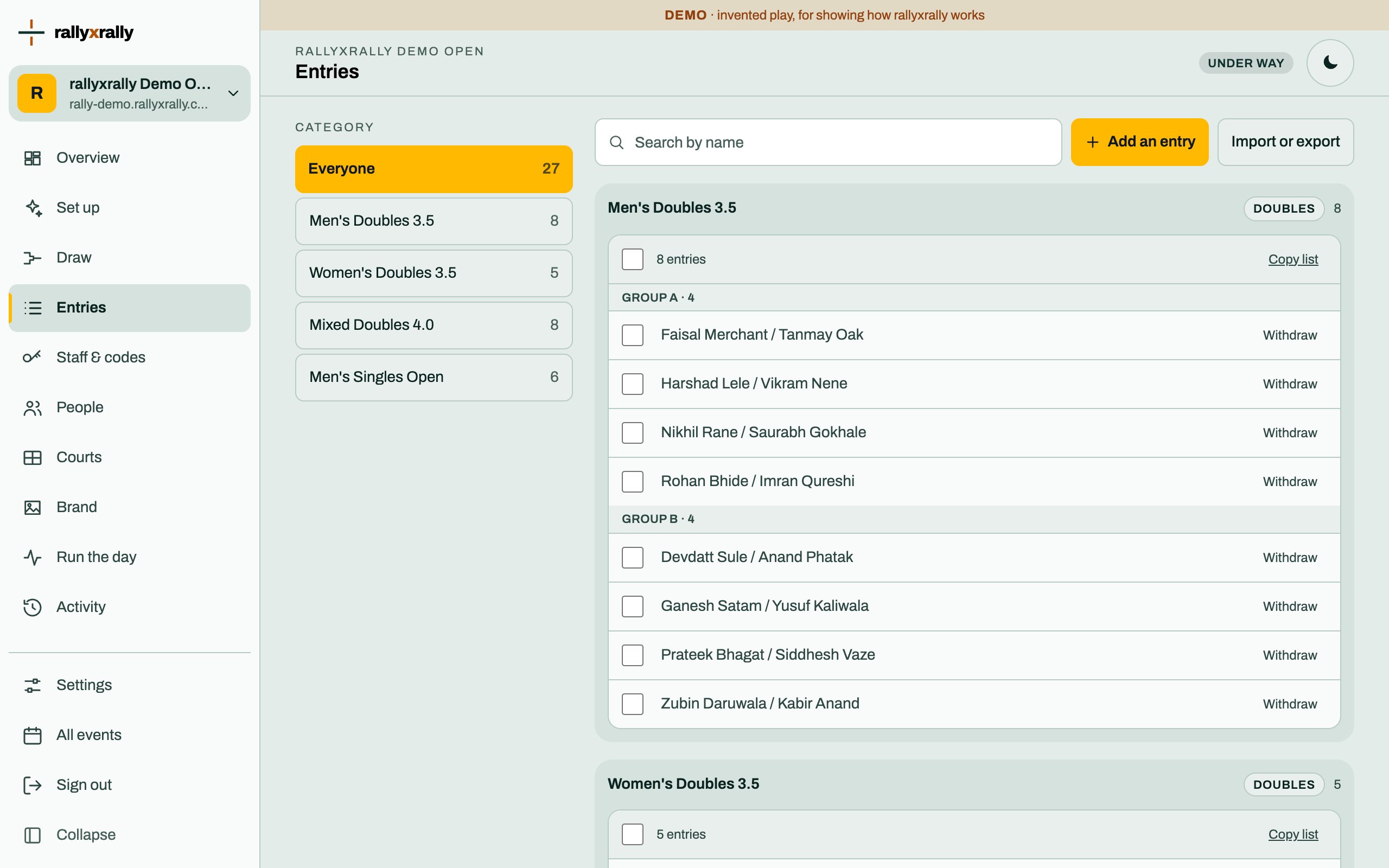 Organizers
Entries
Add players one at a time, or import a list. Withdraw someone without losing the matches already played.
1 min read · PDF