Organizers
Letting support in
Nobody from rallyxrally can open your event unless you let them. How to allow it, for how long, and how to see when it happened.
Nobody from rallyxrally can open your event unless you let them in. Support sees only what you allow, and you can see every time it looked.
Let support in
On Staff & codes, at the bottom, Support:
- For how long: an hour, a day or a week. It ends on its own.
- May make the desk's changes: record a result, put a match on a court. Not setup, codes or publishing. Off unless you tick it.
- May see people's names: off unless a problem needs them. Most support is about structure, such as why a draw looks wrong or why a code does not work, and none of that needs a person's name.
Press Let support in. Take it back ends it at once.
In an emergency
If you are locked out and cannot ask, a person at rallyxrally can open your event for two hours, looking only, with no names, after writing a reason. You can read that reason afterwards, and the opening appears in your activity log and under When support was in.
What you can always see
Under When support was in: when they opened it, whether they could make changes and see names, when it ended, and the reason given if it was an emergency. A banner tells whoever is looking that this is a support view, so it cannot be mistaken for yours.
More for organizers
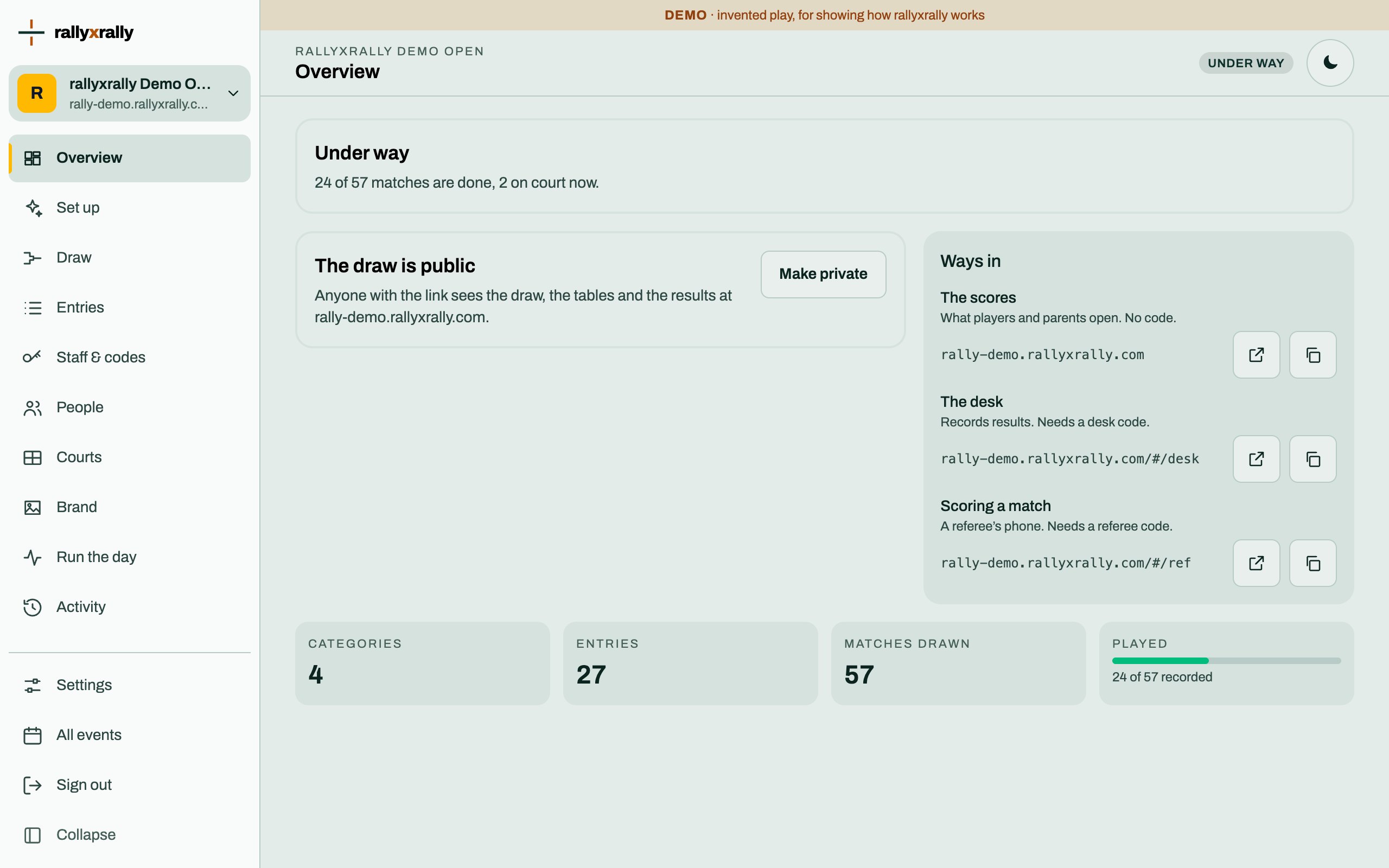 Organizers
Create your event
Sign in, name your event, and see the five steps between an empty event and a published draw.
1 min read · PDF
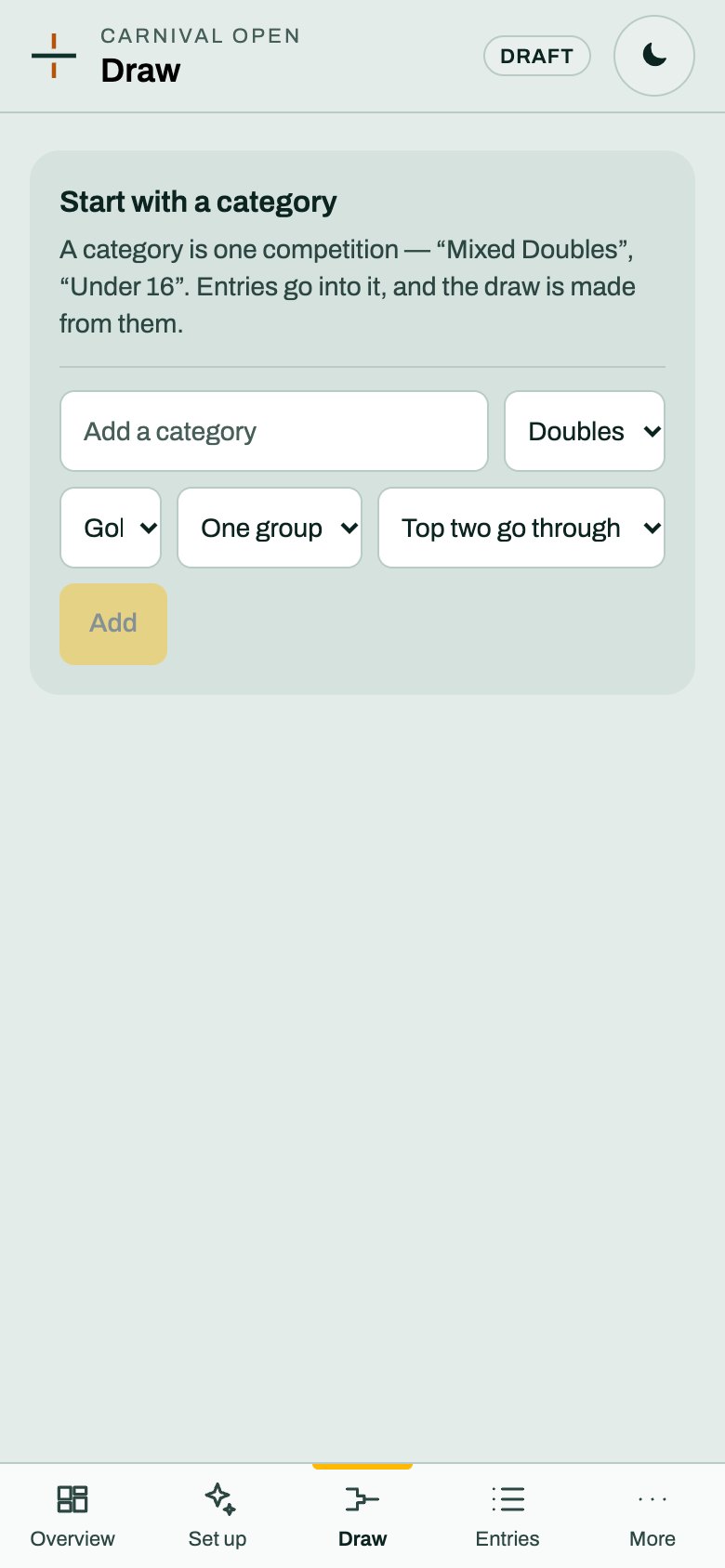 Organizers
Categories and the draw
A category is one competition. Choose its format and groups, and rallyxrally makes the draw from the entries.
2 min read · PDF
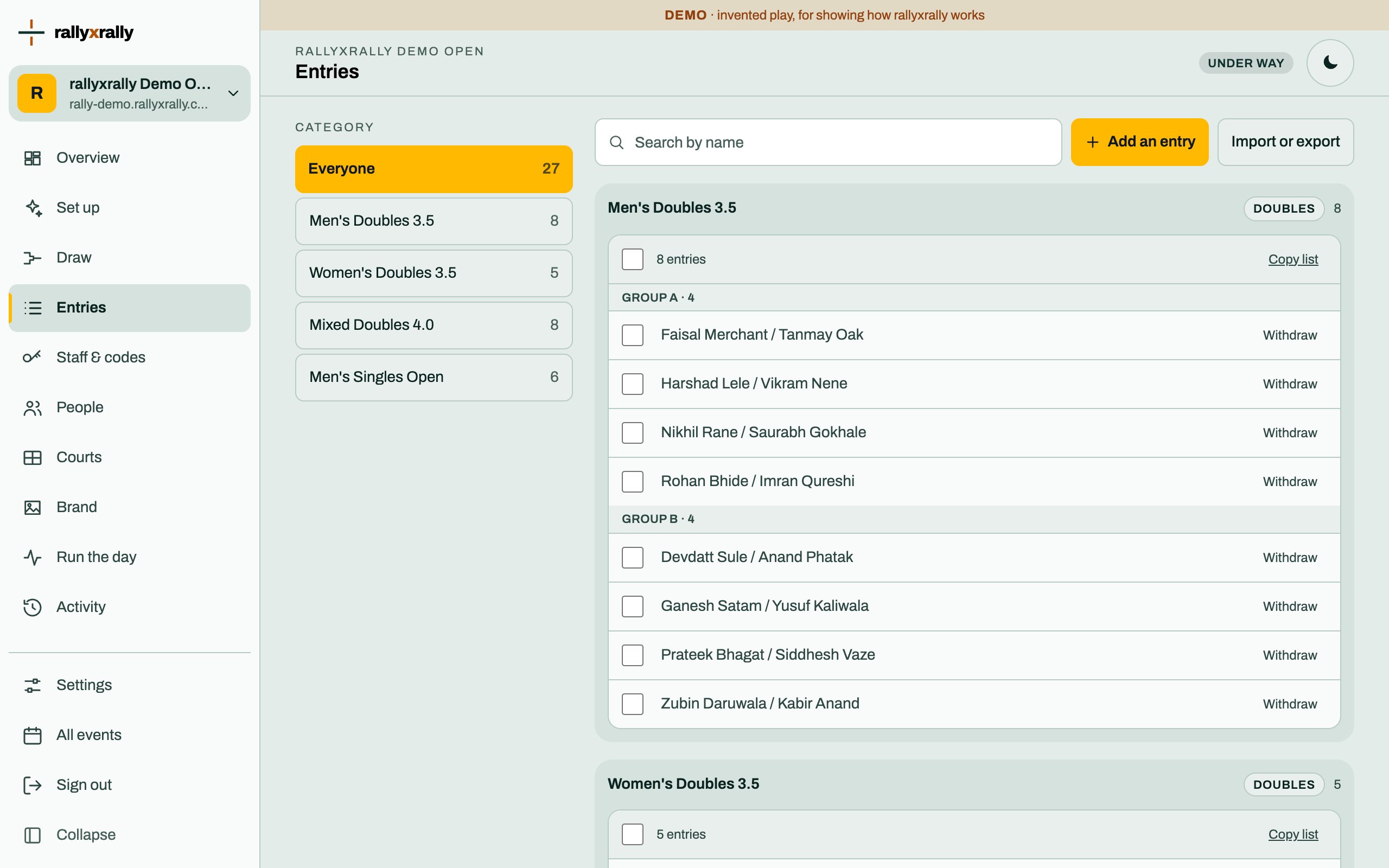 Organizers
Entries
Add players one at a time, or import a list. Withdraw someone without losing the matches already played.
1 min read · PDF