Organizers
Your logo and your sponsors
Put your logo and your sponsors on the event pages, the scoresheet and the referee's screen, and give each sponsor an honest report of what was counted.
What it does
Most events have a title sponsor and a few partners, and they want to see their name where people look. Open Brand. You add your logo, add each sponsor with its logo and a tag such as Title sponsor or F&B partner, and choose where each one appears.
rallyxrally counts what it can count honestly, and gives you a report to send each sponsor. It does not sell your sponsorship for you, and it does not invent numbers.
Your logo
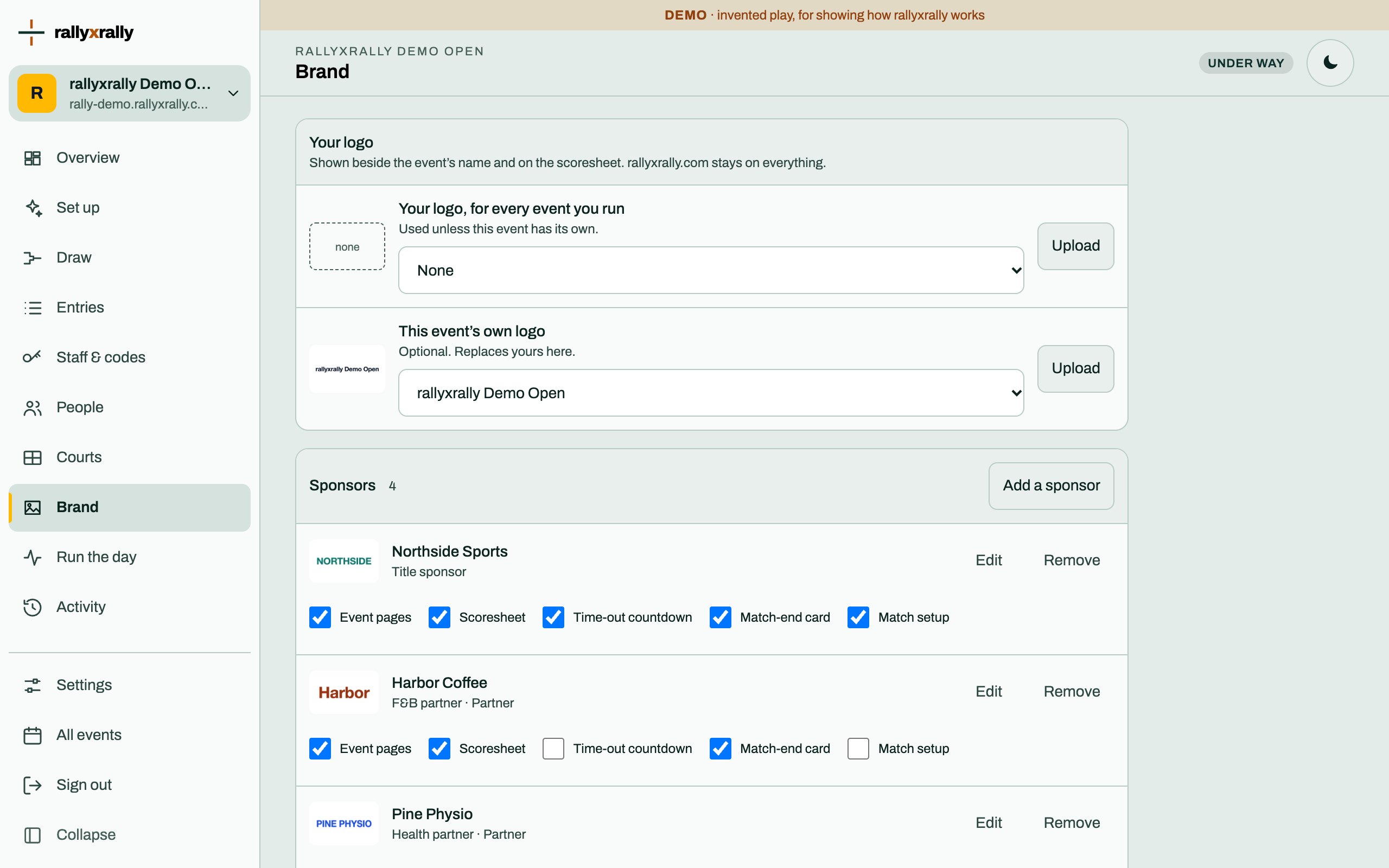
Under Your logo there are two slots:
- Your logo, for every event you run. Set once, used on each of your events.
- This event's own logo. Optional. It replaces yours for this event only.
The logo sits beside the event's name on the public page, and on the scoresheet. rallyxrally.com stays on everything: the logo is added to the page, and does not replace it.
Files
Press Upload and choose a PNG, JPEG or WebP picture. A logo with a transparent background looks best.
- SVG is not accepted. A vector file can carry code, so rallyxrally asks for a picture instead. Export your logo as a PNG.
- rallyxrally reads the file itself to check it is really a picture, and keeps one copy if you upload the same file twice.
- Give each file a short description of what it shows. It is read aloud to people who cannot see it.
Every file you upload goes into your library, and you can use it in all your events. Tick Only for this event when a file, such as a sponsor's artwork you were lent for one weekend, should not be offered to your other events.
One logo, two palettes
The app has a night palette and a daylight one. A dark logo on a dark page cannot be read, so each file can have a Version for the night palette. Without one, the logo is shown on a small white chip, which always reads.
Sponsors
Press Add a sponsor and fill in:
- Name, and their logo from your library.
- Tier: Title sponsor, Partner or Supporter. The tier sets how large they are drawn and what they get by default.
- Tag: the words shown with the logo. Pick a suggestion or type your own, up to 40 characters.
- Link: where a tap should lead. It must start with
https://.
Each sponsor then gets a row of tick boxes, Where they appear:
| Place | Who sees it |
|---|---|
| Event pages | Everyone who opens your event: the live page, draws and results. |
| Scoresheet | The scoresheet a referee sends or prints. A title sponsor also gets a QR code on paper. |
| Time-out countdown | The referee's screen while a time-out clock runs. |
| Match-end card | The card the referee sees when a match finishes. |
| Match setup | The screen where the referee starts a match. |
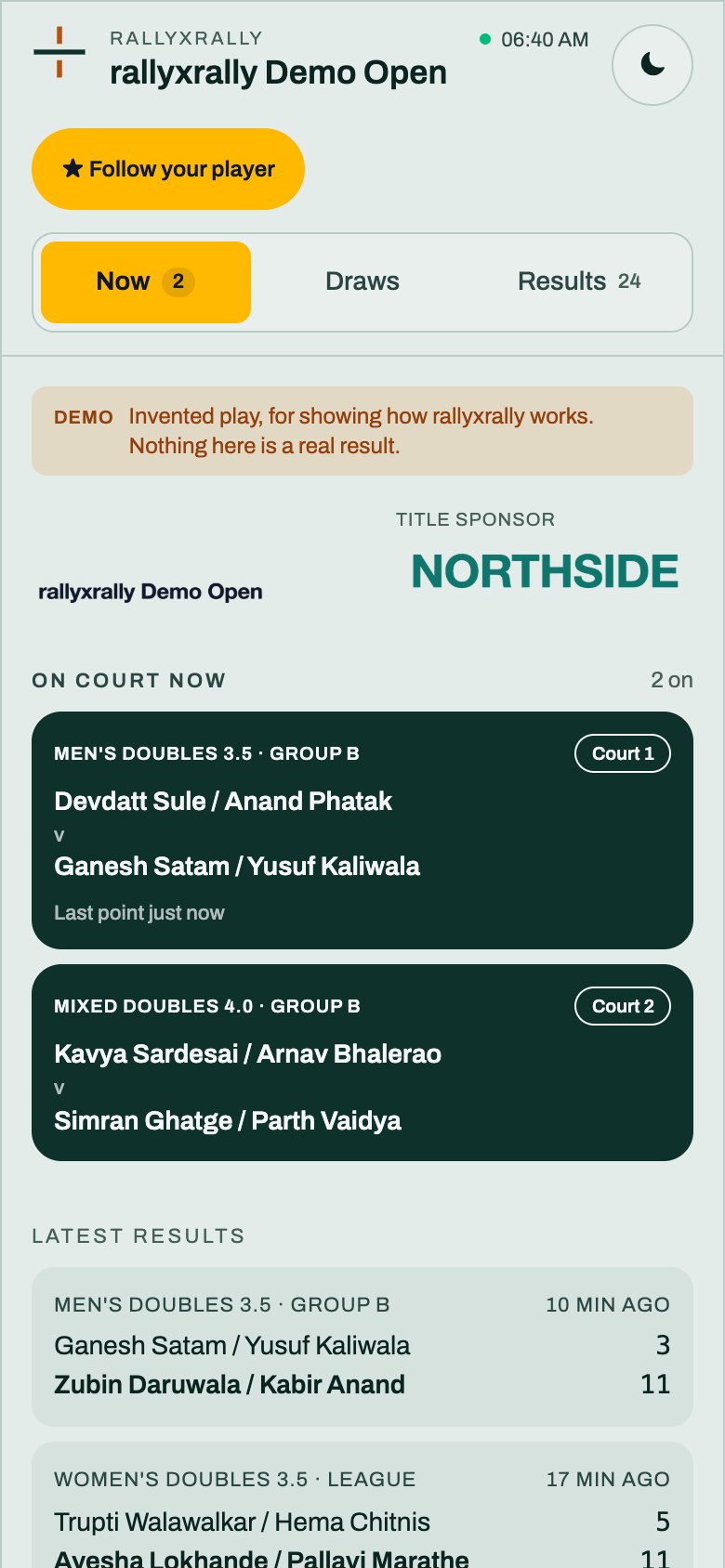
A title sponsor appears everywhere by default. Partners and supporters appear on the event pages and the scoresheet. The places on a referee's screen are kept for the title sponsor, because the referee is working there. A sponsor on a referee's screen is never a link, so nobody can tap away from a match by accident.
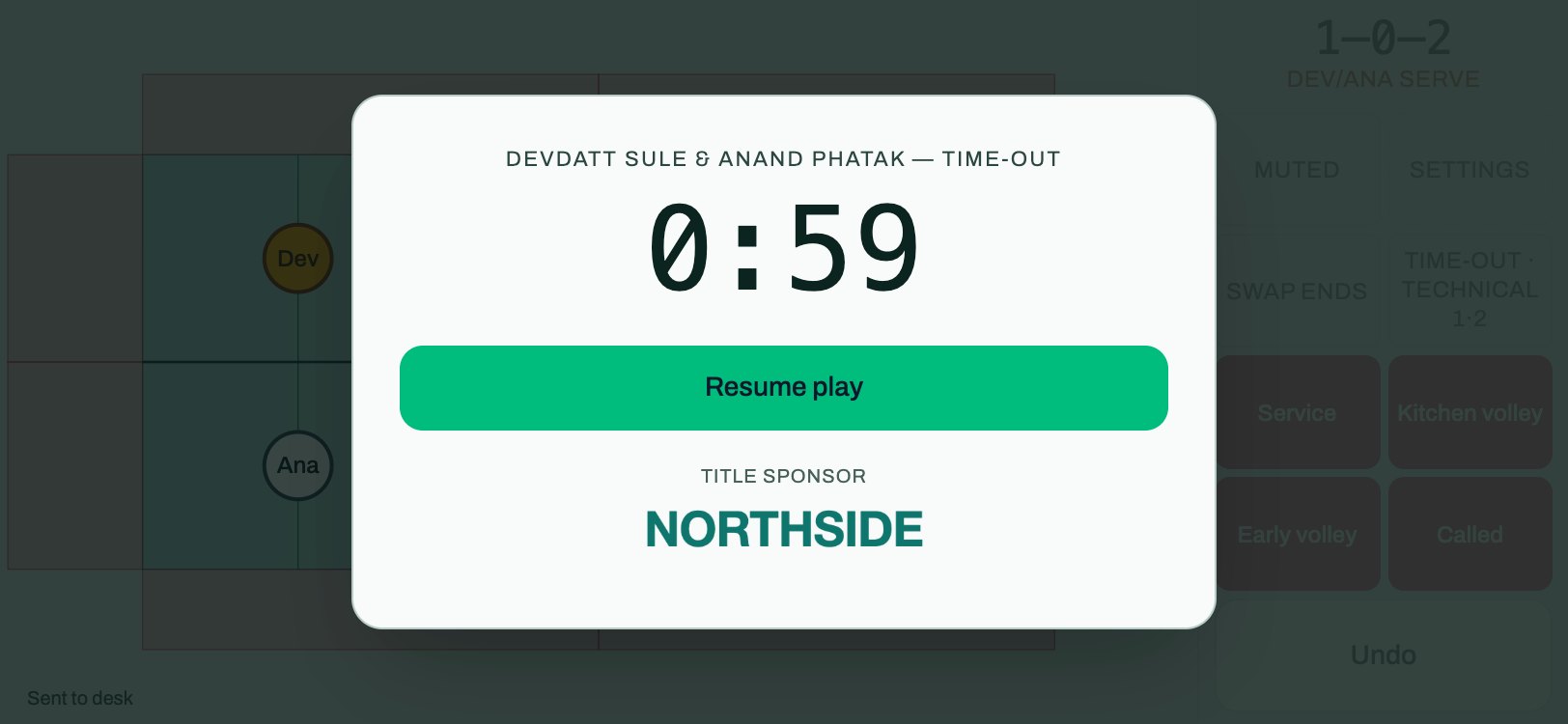
Press Save where they show. The first time, rallyxrally asks you to confirm two things, and writes down that you did:
- You hold the right to use these logos.
- You answer for the sponsors you show next to players' information. This matters most at a junior event.
The report
Press Open the report at the foot of the page.
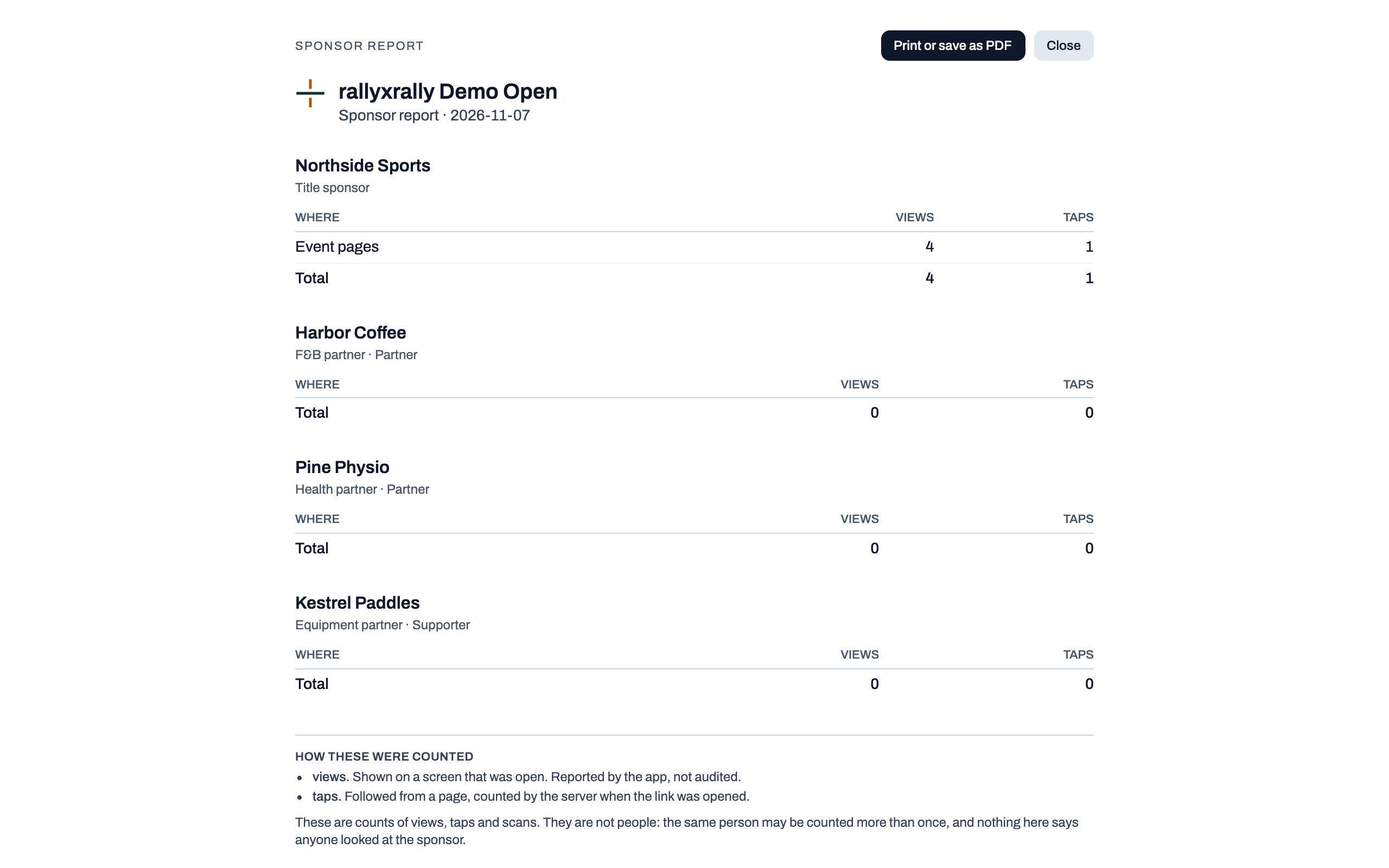
For each sponsor it shows what was counted, in four kinds:
| Count | What it is |
|---|---|
| Views | Shown on a screen that was open. Reported by the app, not audited. |
| Taps | The link was followed from a page. Counted by rallyxrally's server. |
| Scans | The QR code on a printed scoresheet was scanned. Counted by rallyxrally's server. |
| Prints | A scoresheet carrying the sponsor was printed. Not a count of people who read it. |
Read the numbers for what they are. They are counts, not people. The same person may be counted more than once, and nothing here says anyone looked at a sponsor. The report says so itself, in a line a sponsor will see. Do not promise a sponsor more than it says.
Press print, or save as PDF, to send it. The page carries the rallyxrally mark like every other file that leaves the app.
Taking something down
Removing a sponsor, or unticking a place, takes effect at once. The files stay in your library until you remove them. If a file breaks the terms of use, rallyxrally can take it down, and it then stops showing everywhere.
Who changed the brand, and when, is in the activity log.
Limits to know
- Nothing is compiled into the app. A sponsor is only shown once your event is published, and only on the places you ticked.
- The numbers are a sample, not an audit. Views come from the phone, so a phone that was offline reports later, or never.
More for organizers
 Organizers
Create your event
Sign in, name your event, and see the five steps between an empty event and a published draw.
1 min read · PDF
 Organizers
Categories and the draw
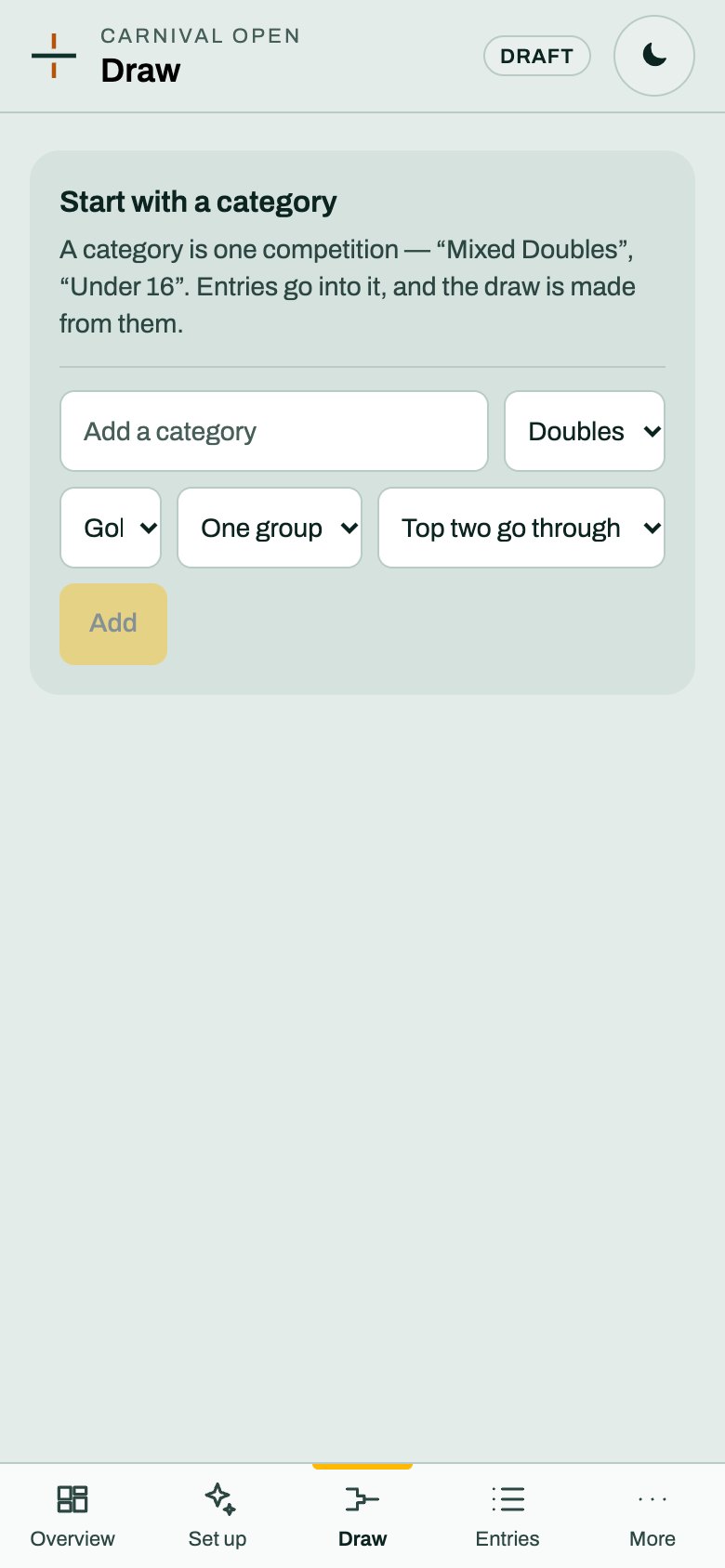
A category is one competition. Choose its format and groups, and rallyxrally makes the draw from the entries.
2 min read · PDF
 Organizers
Entries
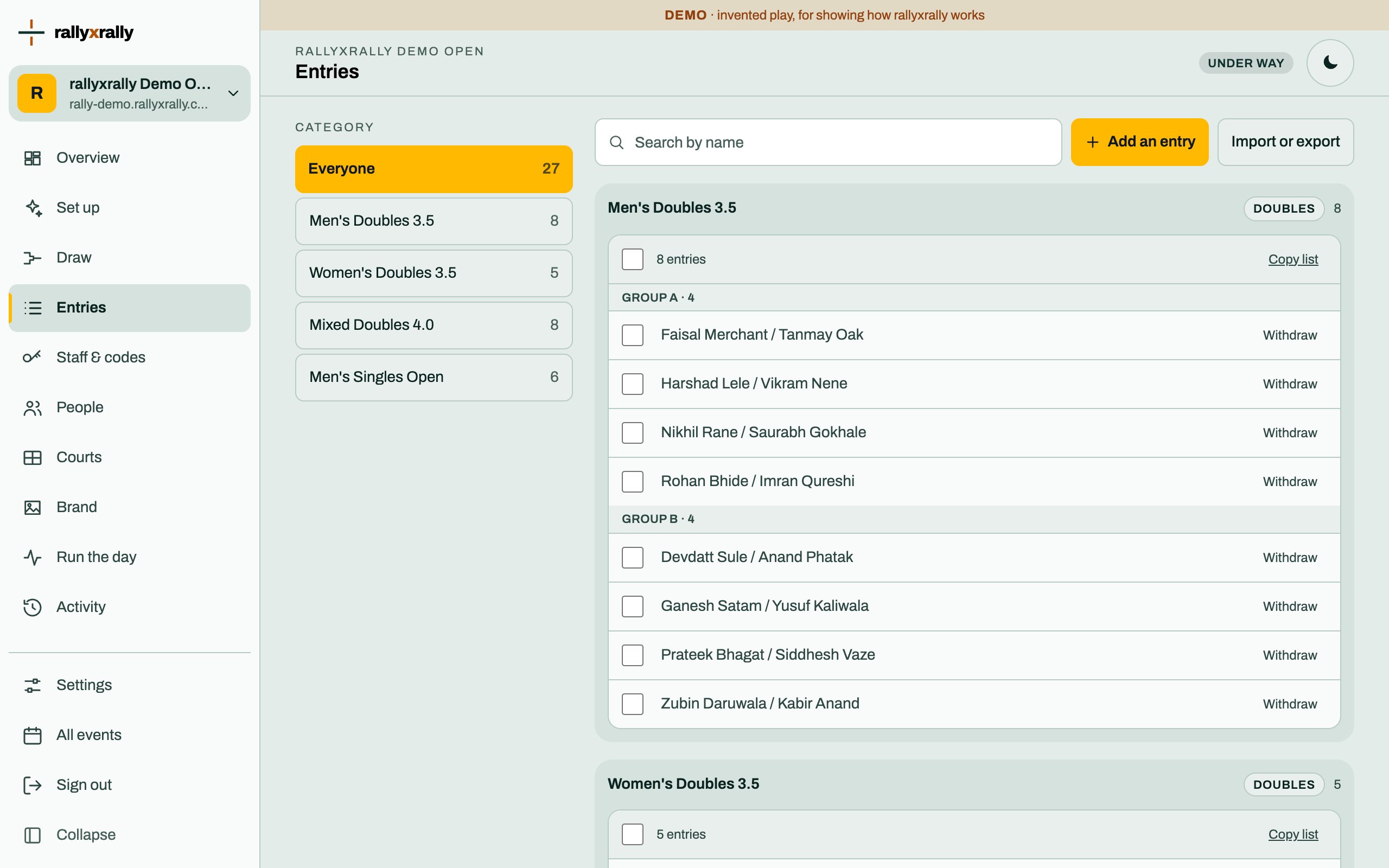
Add players one at a time, or import a list. Withdraw someone without losing the matches already played.
1 min read · PDF