Organizers
DUPR rating limits
Set a rating limit on a category, freeze players' DUPR ratings at the time you choose, and see who is outside it.
Some categories are for players up to a rating, some for players at least one. rallyxrally can check that for you, using the DUPR rating of every player who has connected their DUPR. It tells you who is outside the limit. It never stops anybody entering or playing: what to do about it is yours to decide.
Turn it on
Open DUPR in the menu and, under Use DUPR in this event, choose Optional or Expected. On the Rating limits tab, answer Do any categories have a DUPR rating limit? If you answer No, nothing else appears and nothing is checked.
A limit on each category
Each category has one line: No limit, Up to, At least or From – to. Type the number and press Save.
- The number you give is inside the limit. "Up to 3.5" lets a 3.5 in.
- Leave a category on No limit to keep it open. Nobody in an open category is flagged. A player who is in an open category and a limited one is checked only for the limited one.
- Singles categories use the singles rating and doubles categories the doubles rating. Each player of a pair is checked on their own.
- A team category is not checked. Its entry is a team name, not a player.
Rounded or exact
Rounded to 2 decimals compares what DUPR shows. Exactly compares the rating as DUPR gives it. The difference only matters at the edge: a player rated 3.501 against "up to 3.5" is within when rounded and over when exact. The page says it beside the choice.
When to check
Choose On a date and time and give a day and a time in the event's time zone, for instance 07:00 on the morning of the event. At that time rallyxrally reads each connected player's rating from DUPR and freezes it. You do not need to be there, and you get an email when it is done.
Or choose Only when I ask, and press Check now in the report.
Once frozen, the ratings are kept as they were, until a player disconnects their DUPR: DUPR requires that everything about a player goes the moment they stop sharing, so their frozen rating is removed from the report at once and they show as Not connected. You can add a rating you got from them yourself. If you then change a limit, the same ratings are checked against the new one. See live ratings shows today's without replacing the frozen ones. Start over on the DUPR page throws the frozen ratings away so you can set another time.
The report
On the same tab, and in Entries, a band says how many players are outside, how many cannot be checked and how many are within, and whether the ratings are frozen or live. See the report opens the list: the players to look at first, then everybody else behind one line.
Each row gives the rating, where it came from and when it was read, and one word: Over, Under, Within or Can't check.
Players who cannot be checked
- Not connected. They have not connected DUPR, so there is nothing to read. Email them their link from Entries, or add a rating yourself.
- No rating yet. They are connected, but DUPR has no rating of this kind for them: a new account, or someone who has never played singles. They are not treated as beginners, because a new account is as likely to be a strong player new to DUPR. Add a rating if you know it.
- Connected after the ratings were frozen. They were not connected at the time, so their rating at that time was never read.
Save it as a PDF
In the report, press Download as PDF. It opens the page that will be saved: every player, by category, with the rating beside the name, where it came from and when, and the limit at the top of each category. Press Save as PDF (the browser's print window; on a phone, choose Save to Files or Print to PDF). The file is named after the event, the day and whether the ratings were frozen or live, so two copies are never the same name.
The page says the ratings belong to the players and DUPR and are not for publishing. Show a player their own line if they ask why; do not post the list.
Write to the players
In the report, Message beside a player, or Message all above a list, writes to the people in it. There are two messages, each with the player's own details filled in:
- Outside the limit. Their rating, the limit for their category, and the day it was read. You choose what happens next from three sentences (nothing more, still welcome, or get in touch), and can add one line of your own.
- Could not be checked. Why we could not check (not connected, no rating on DUPR yet, or connected after the check), and what to do: connect DUPR, or reply with their rating.
You see the words before anything goes, with the first player's filled in. Then send them either way:
- WhatsApp, one player at a time, from your own phone. It uses the number you saved for them in Entries, with the country code (+91…). Replies come to you.
- Email, to everyone who has an address, 25 at a time. Before it sends you confirm that these people agreed to be contacted about this event. Replies come to the address you sign in with, and the screen says which before you send.
Messages are signed with the name in Settings, under Who messages come from. Until you give one they say the event's name, never your email address. A player is only ever told their own rating. Nobody is emailed twice about the same thing in a day, people who asked not to be emailed are skipped, and the list shows who you have already messaged and when. The messages never say what a player must be.
A rating you type in
On any row, Add a rating, with a note of where it came from ("told us at the desk", "screenshot from the player"). It is labelled Entered by you, with the day, so nobody mistakes it for DUPR's. It is never sent to DUPR, and it never replaces a rating DUPR has given: if the player has one, that one is used and yours is shown beside it.
Who sees it
Only the organizers of the event. Not the desk, not the players, not the public page, unless you save the PDF and hand it on. A player agreed to share their rating by connecting DUPR. A frozen rating goes if the player stops sharing, as DUPR requires, and when you delete the event. A PDF you save is your own copy: it says the ratings belong to the players and DUPR and are not for publishing.
More for organizers
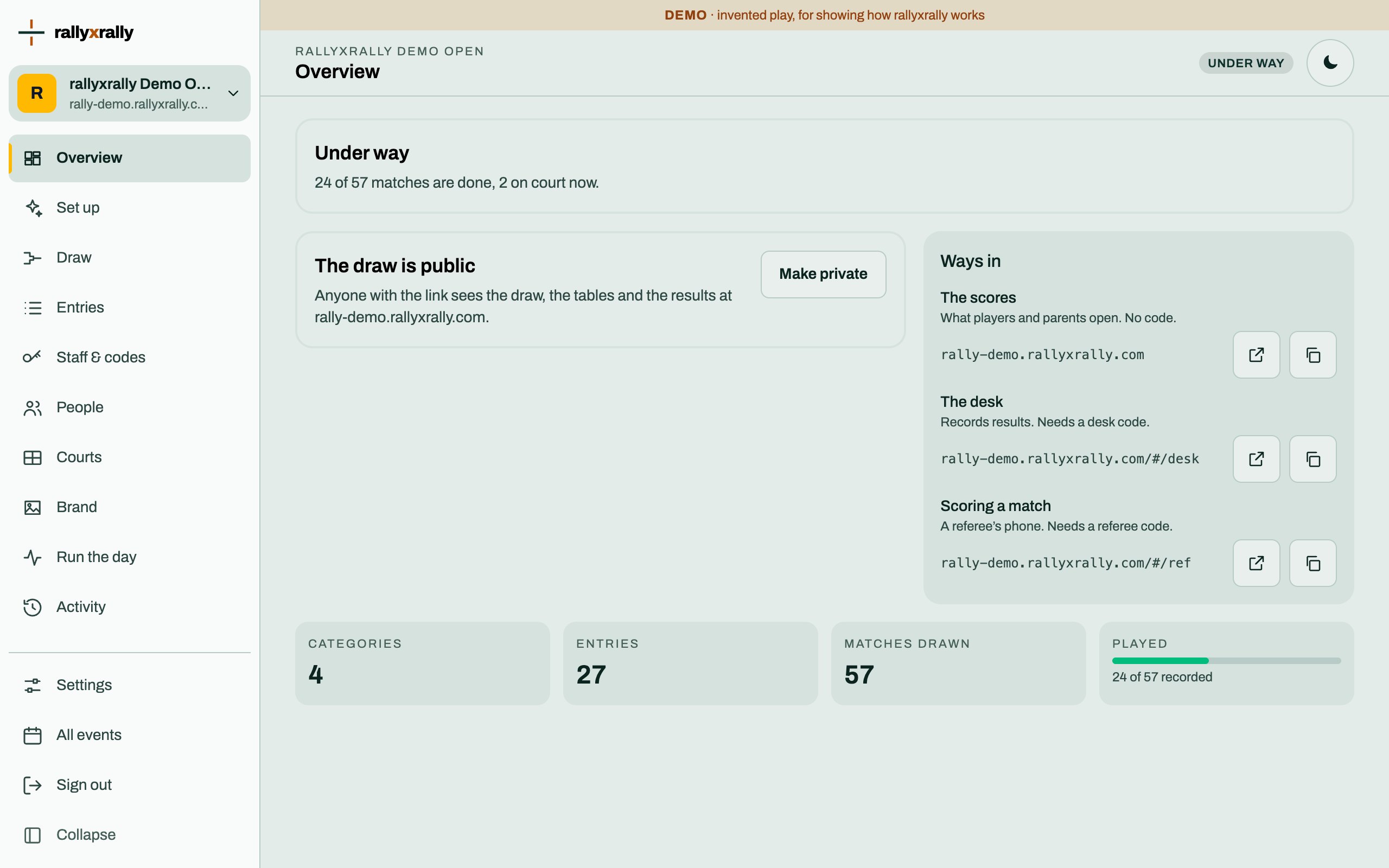 Organizers
Create your event
Sign in, name your event, and see the five steps between an empty event and a published draw.
1 min read · PDF
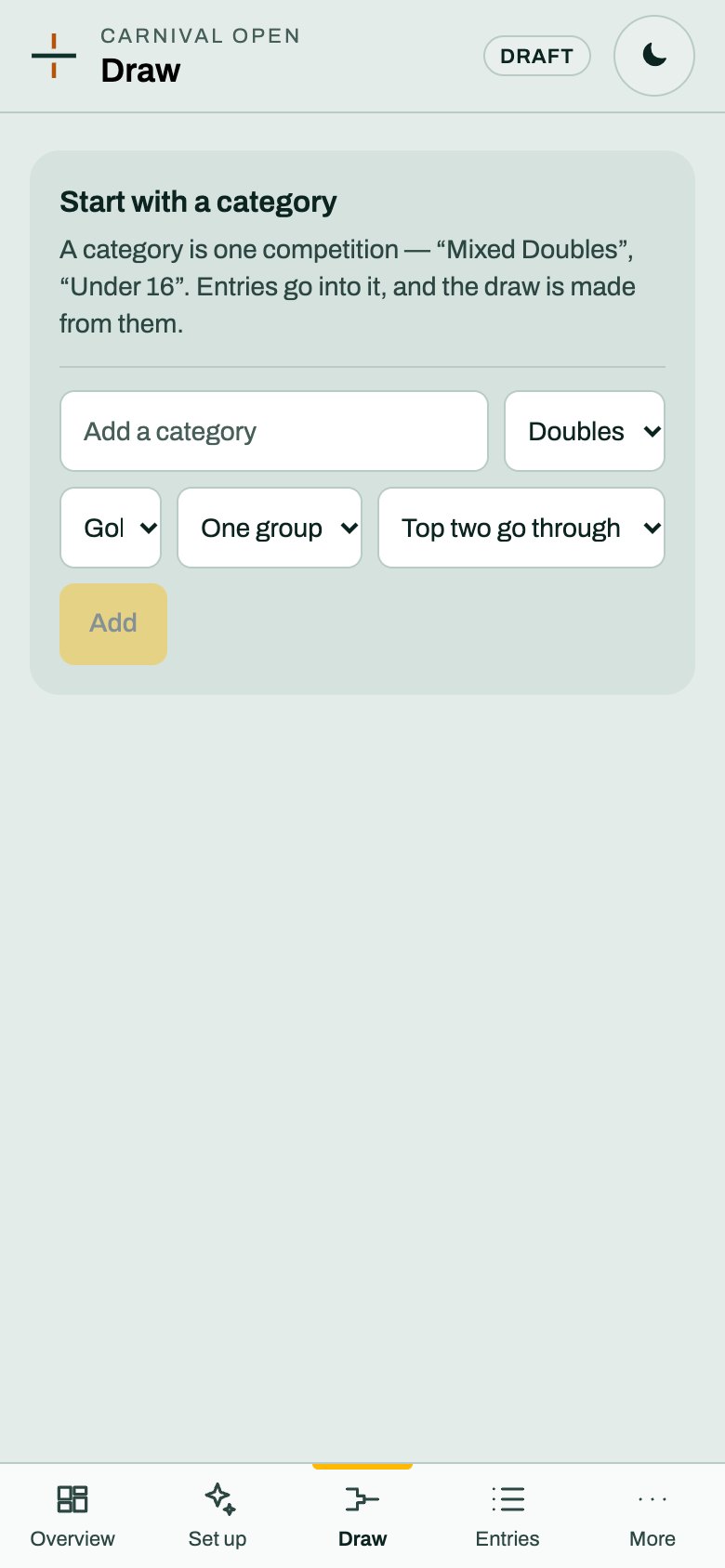 Organizers
Categories and the draw
A category is one competition. Choose its format and groups, and rallyxrally makes the draw from the entries.
2 min read · PDF
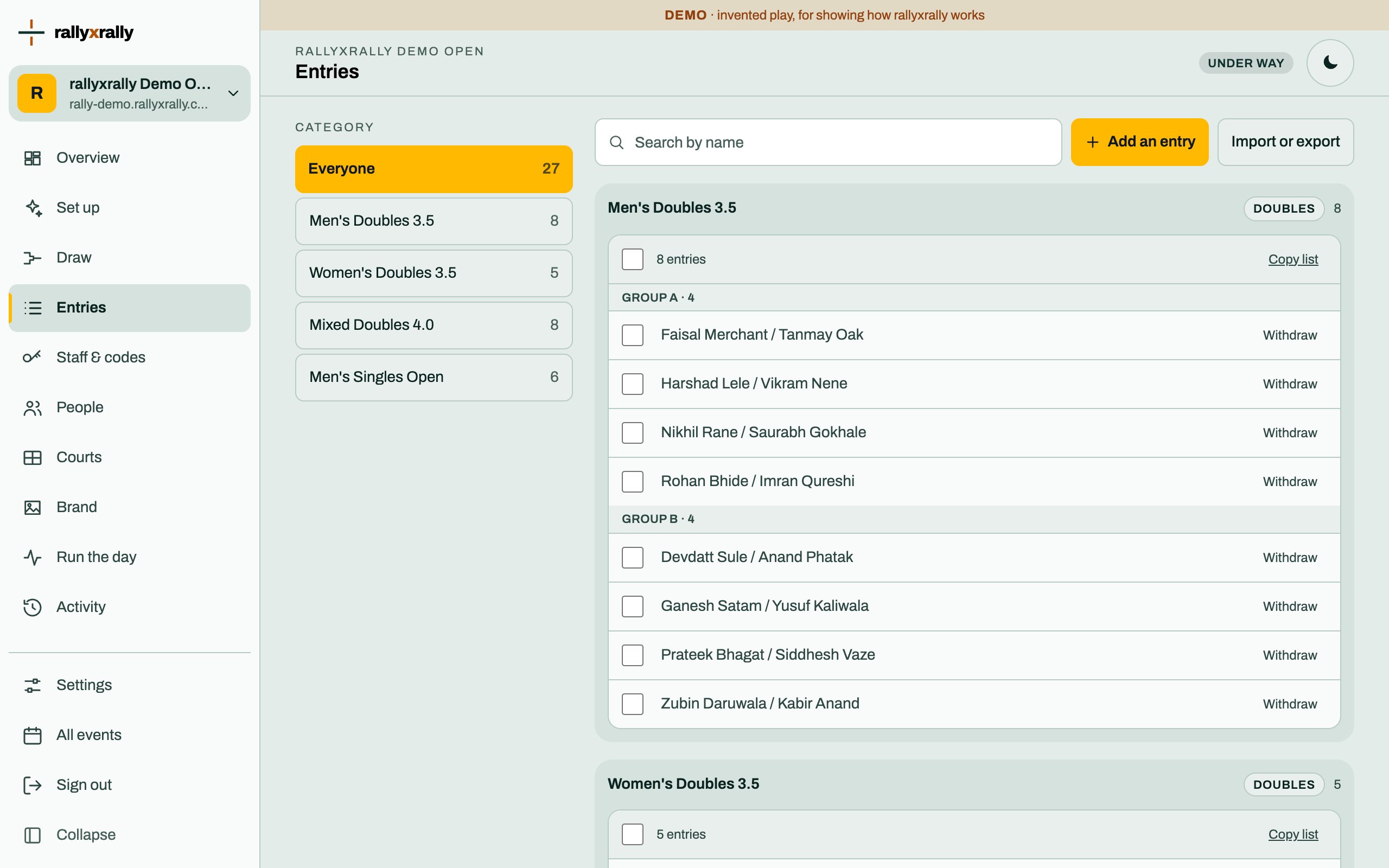 Organizers
Entries
Add players one at a time, or import a list. Withdraw someone without losing the matches already played.
2 min read · PDF